
As a Conversation Designer
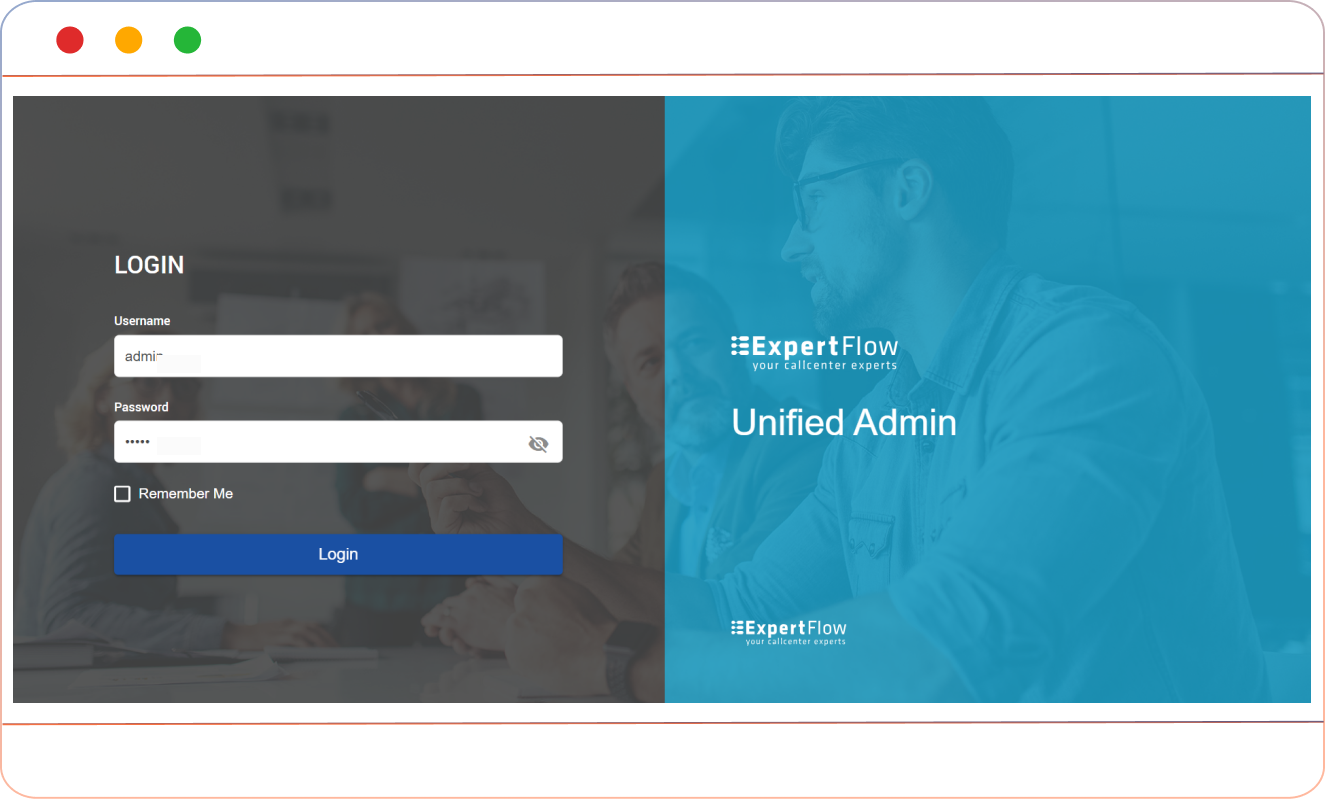
Log in to Unified Admin
As an administrator, you can log in to Unified Admin using your credentials.
Upon login, you will land on the dashboard, which will give you access to various solutions, including Forms, Surveys, Campaigns, and more. Click on Forms.
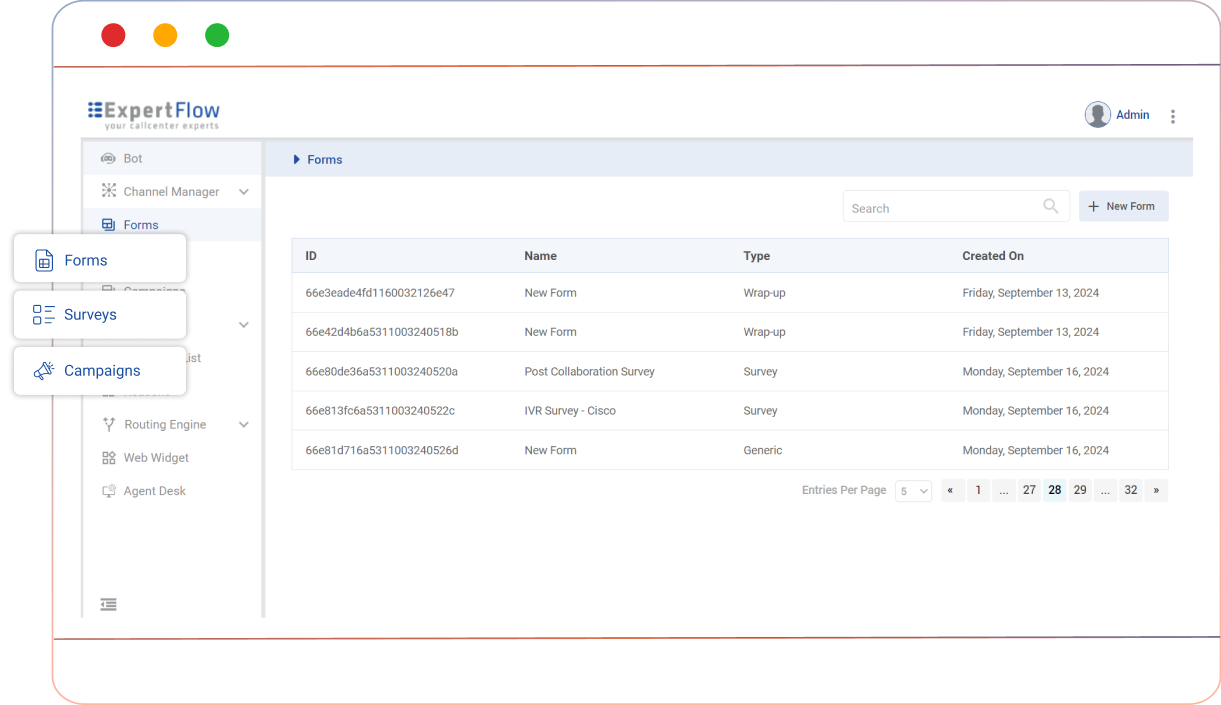
Creating a form
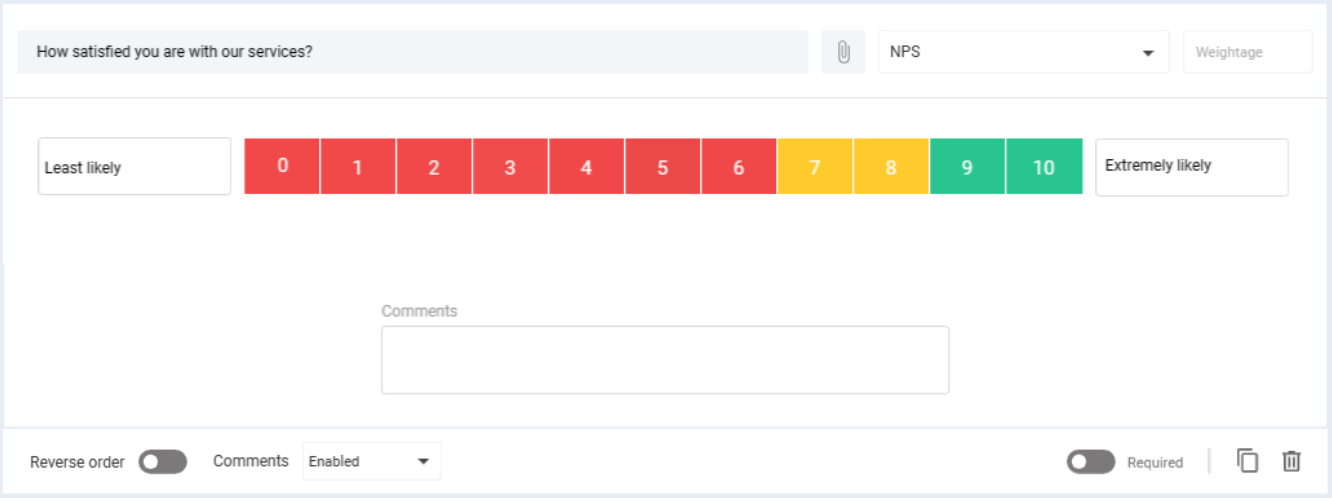
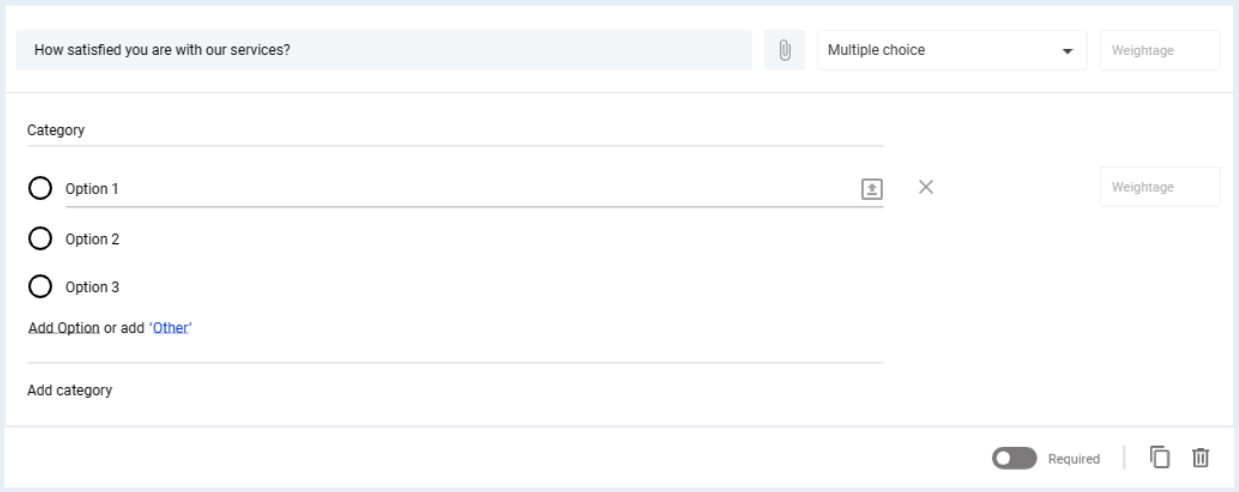
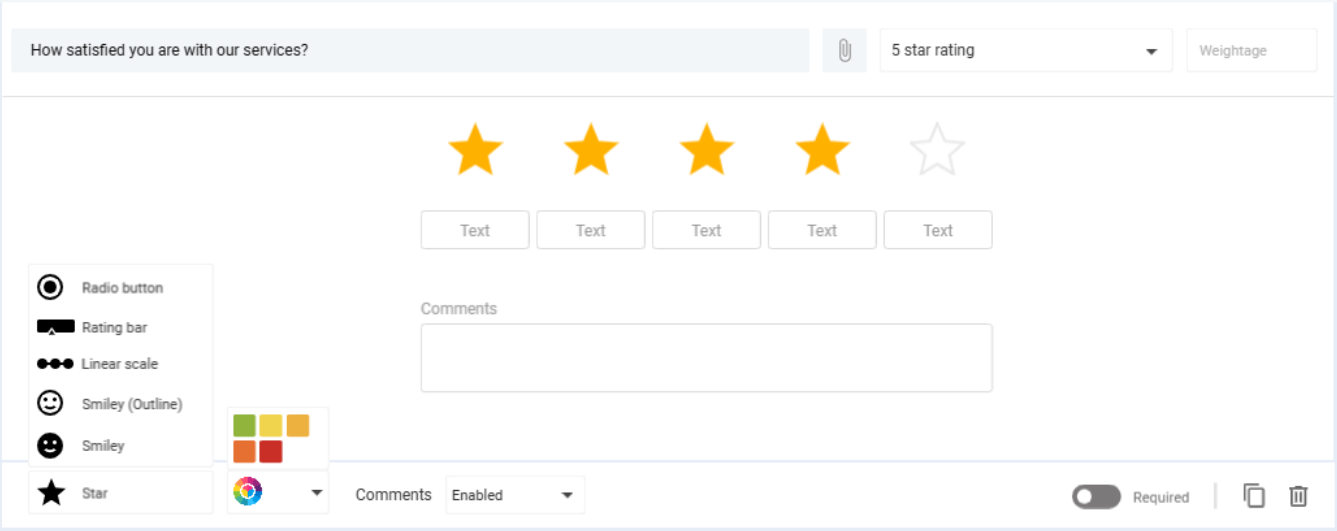
To create a survey form, click on the [+ New Form] button. It will open up the form builder where you can add the different types of questions (including, but not limited to, NPS, MCQs, and 5-Star). For more details, see the form creation guide.
 |  |  |
|---|
Add a Survey
To add a new survey,
Get access to the control flow.
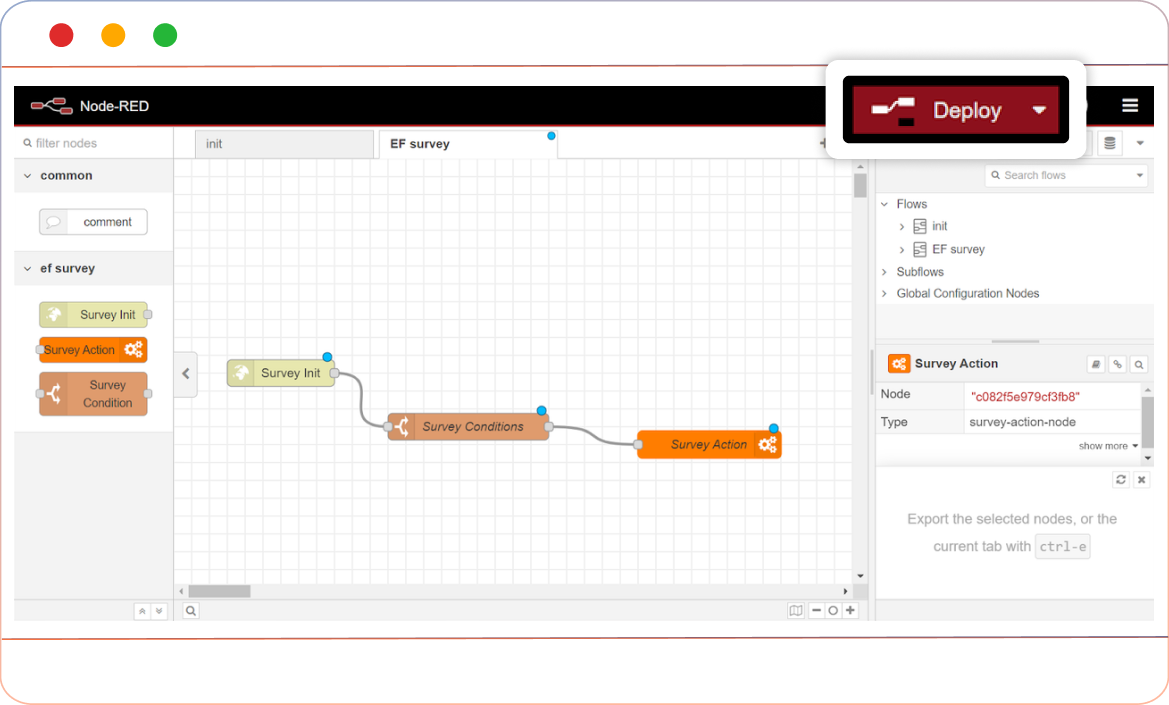
In the control flow, you can run the survey (form) by inserting the Message Survey Node at any stage of the conversation
Deploying the Flow:
Once all configurations are completed, click the Deploy button to activate the survey.

Limitations in CX Surveys
By default, the System supports only one survey at a time.
In any case, if the server crashes, all the hash-map data will be lost and the form will be in accessible.