
|
Report Summary |
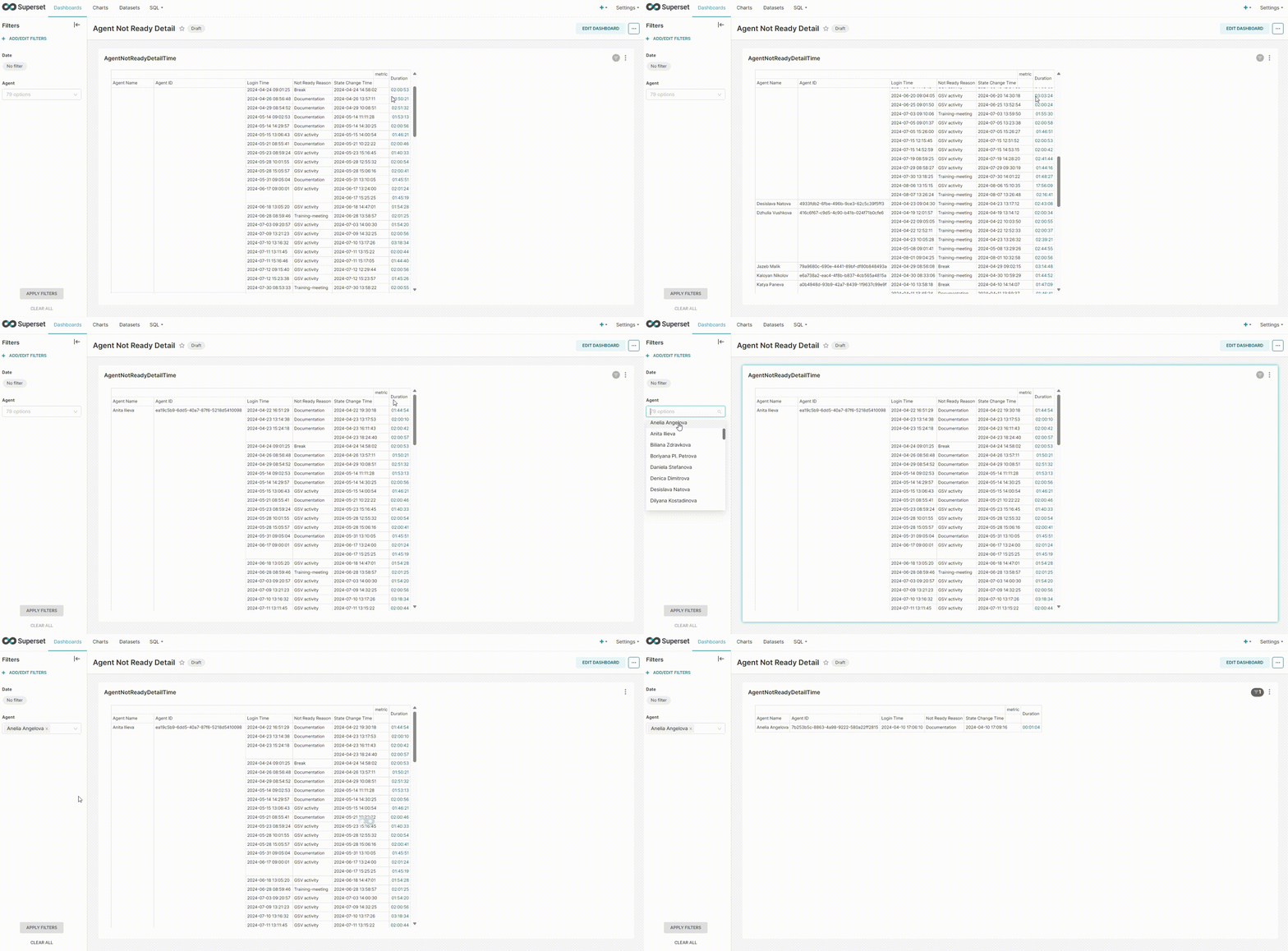
Displays the details of all the reasons why the agents are not ready. |
|---|
Report Columns
Following are the report columns
|
Fields |
Description |
|---|---|
|
Agent Name |
The name of the agent. |
|
Agent ID |
The ID of the agent. |
|
Login Time |
Show the time when the agent login. Format year-month-day hours:minutes:seconds (2024-01-01 00:00:00) |
|
Not Ready Reason |
Show the reason why the agent goes in not-ready state. |
|
State Change Time |
Show the time when an agent goes in a not-ready state. Format year-month-day hours:minutes:seconds (2024-01-01 00:00:00) |
|
Duration |
Shows the duration for which the agent remains in a NOT_READY state. Format hours:minutes:seconds (00:00:00) |
Report Filters
The following report filters are available
-
Date/Time - Choose the date to filter out the data. You may also select the date ranges to see the data falling under the said period
-
Agent - Select the agent/agents by name whose performance you want to analyze.