
This document covers the setup for importing the reports in Apache Superset 2.0 Instance.
1. Download for MSSQL → dashboard_export_apache_superset_2.0_mssql.zip/ for MySQL → dashboard_export_apache_superset_2.0_mysql.zip file and place it in any directory of your choice.
Don't import both MsSQL & MySQL reports on the same apache superset server.
2. Unzip this file and go to the directory databases. 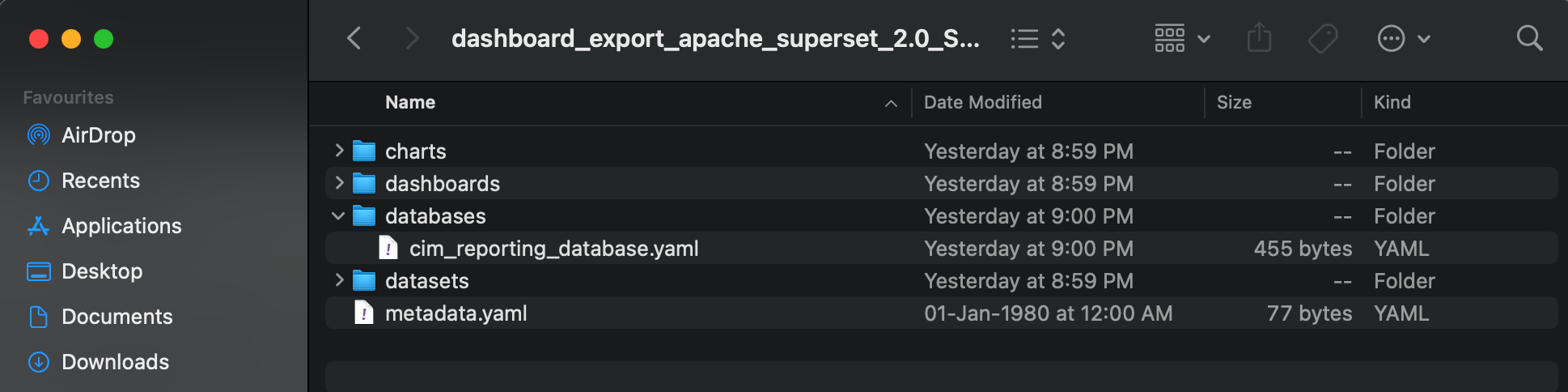
3. Now open file "cim_reporting_database.yaml".
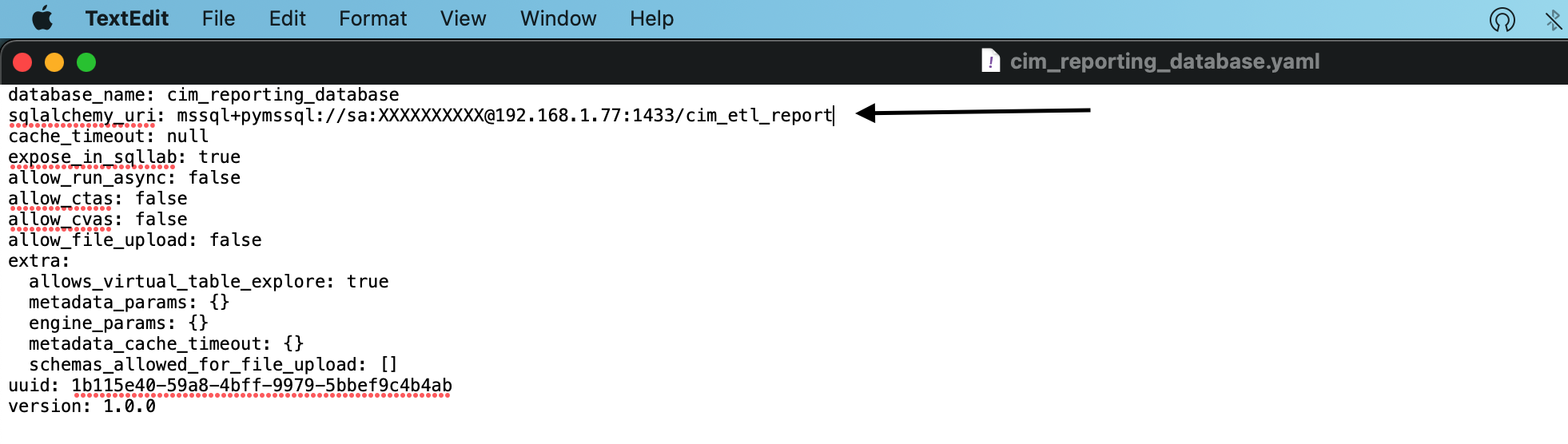
4. The field sqlalchemy_uri is the connection string in the below format. Please update this as per your configuration. (Don't update any other field.)
MySQL Format : mysql+mysqldb://Username:Password@ServerAddress:PortNumber/DatabaseName
MsSQL Format : mssql+pymssql://Username:Password@ServerAddress:PortNumber/DatabaseName
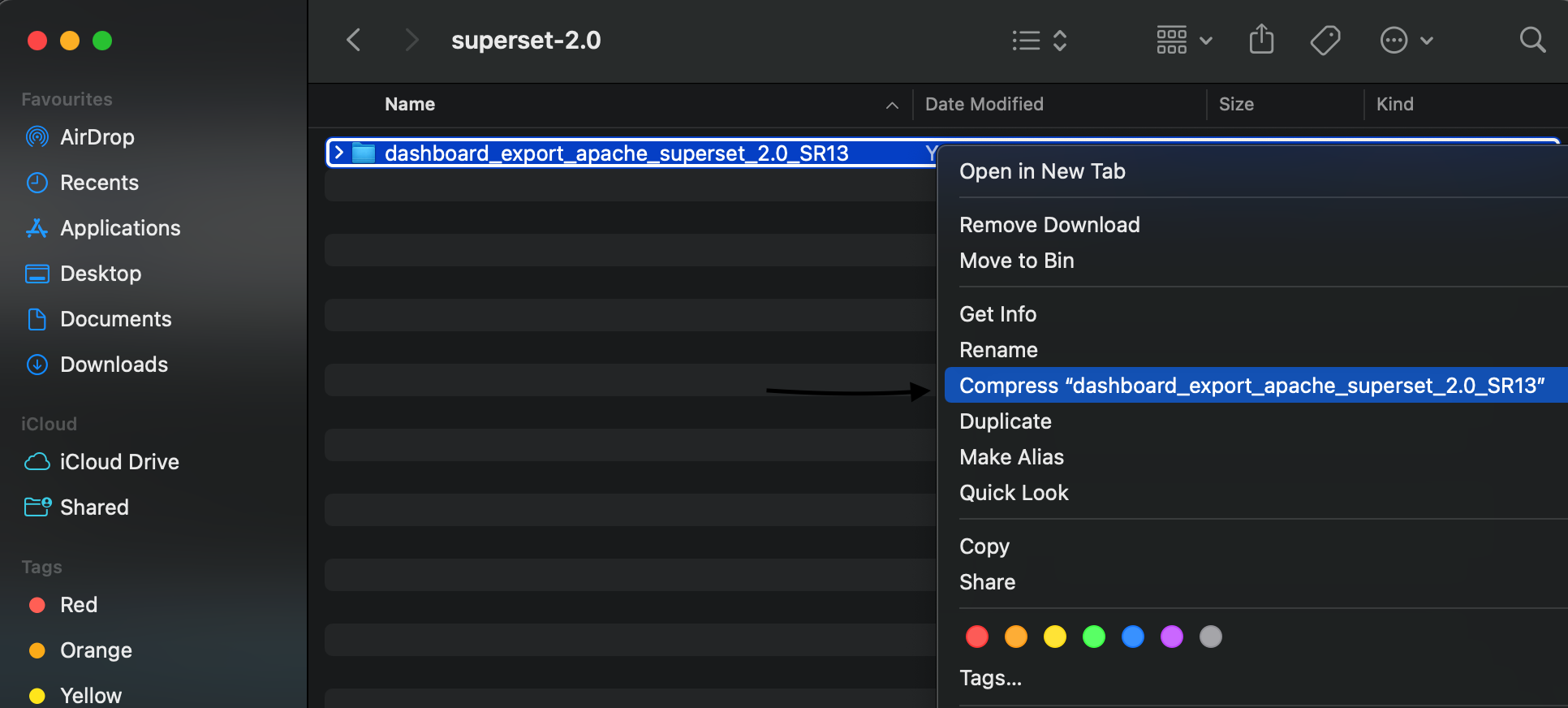
5. Now delete the previous zip file & zip the parent folder again.
6. Log in to the Superset Administration console by browsing https://server-ip:port/ URL. 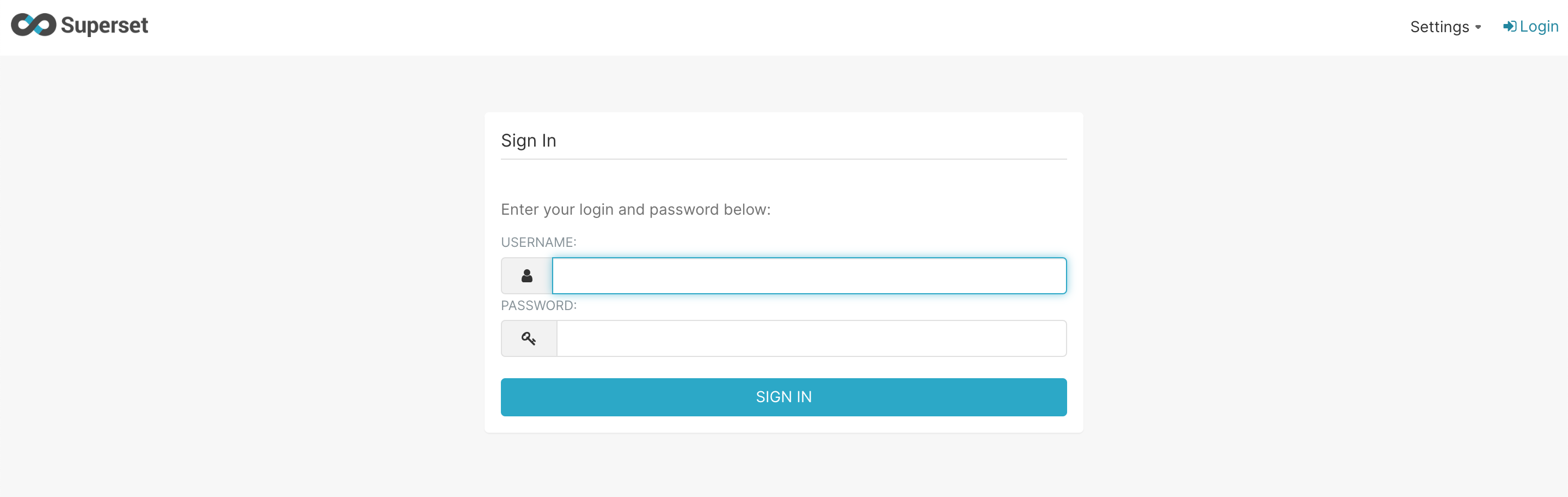
7. Goto the "Import dashboards".
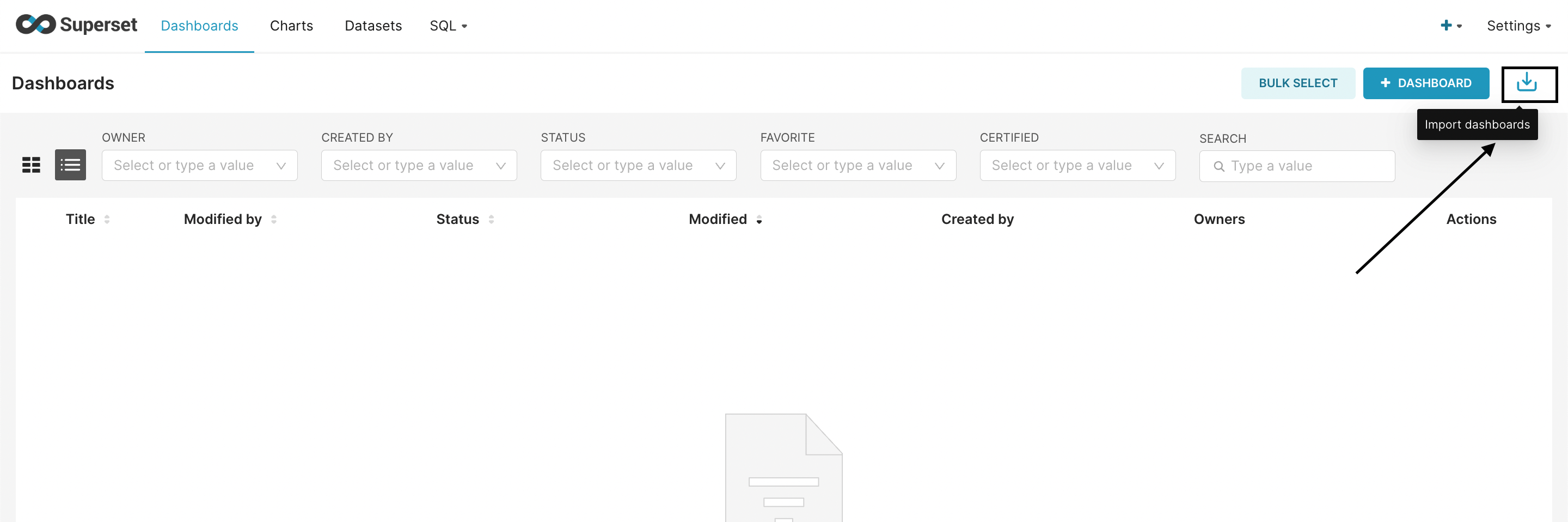
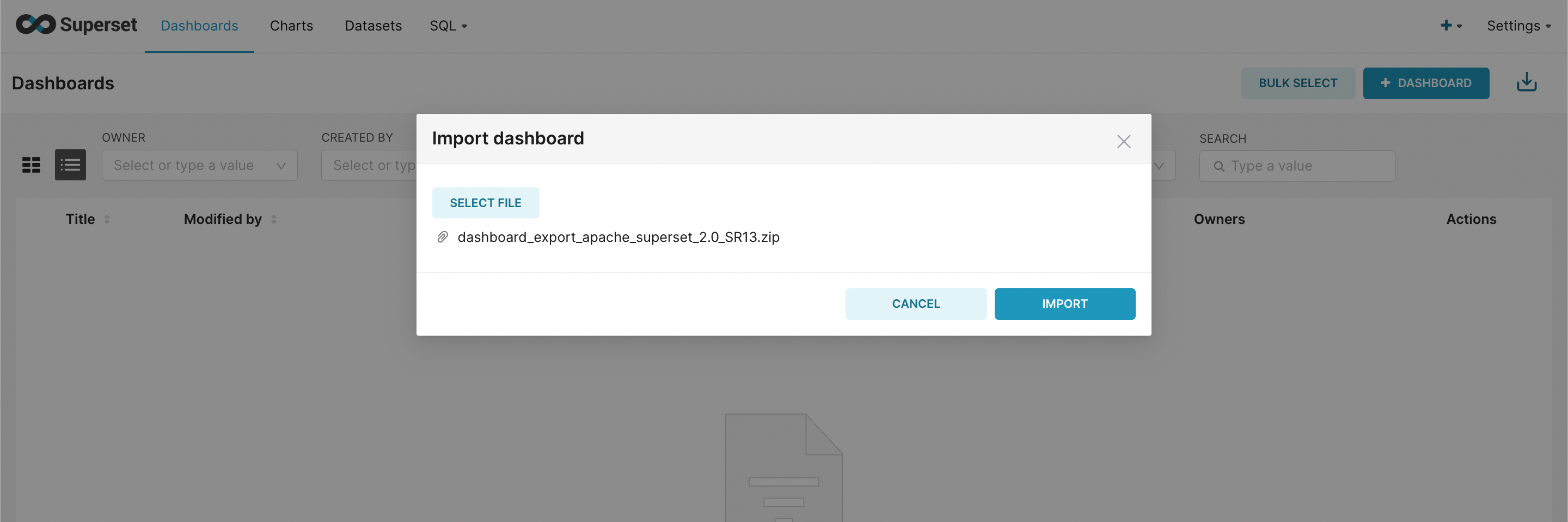
8. Select the zip file and press "IMPORT".
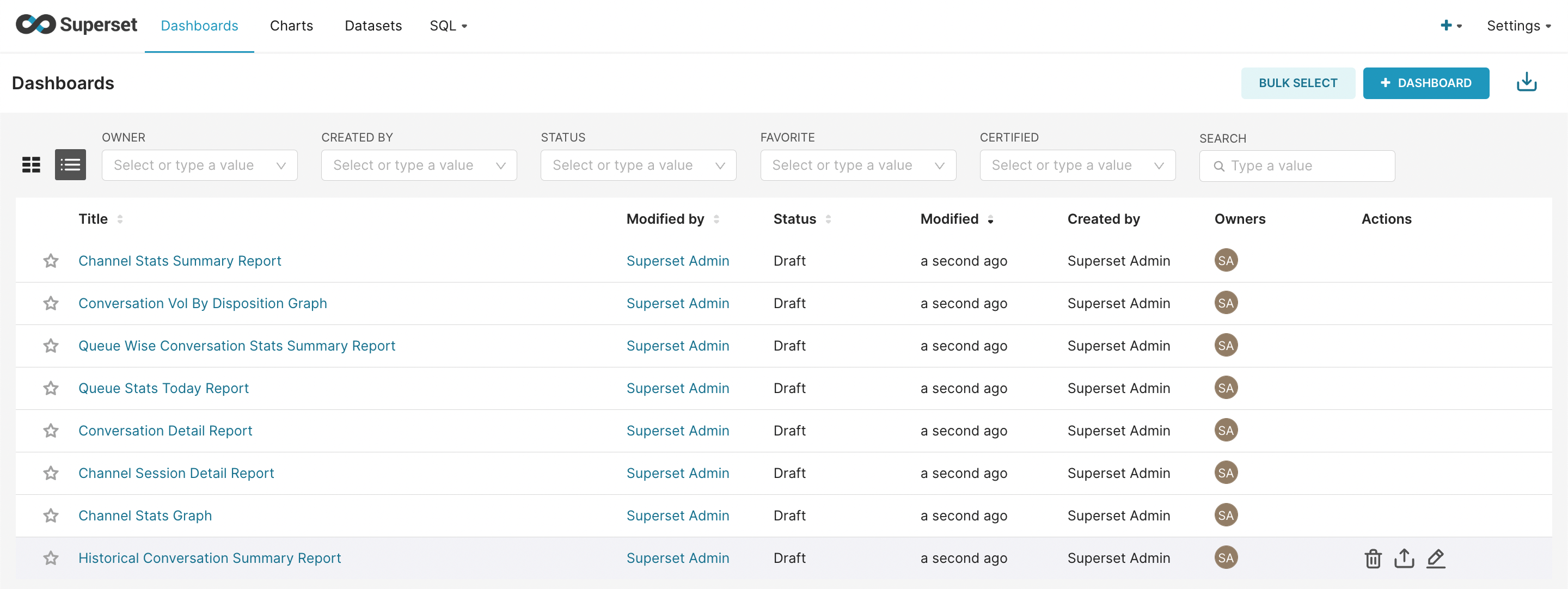
9. Everything is up now.
10. Now set the UTC offset for reports by following document UTC Offset - Reports.