
Adapter Fails to Load CTI Toolbar
Agent logs into SAP CRM but the CTI Toolbar is not loaded.

Possible Causes
-
Adapter can’t establish connection with the AMQs.
-
Connection to AMQ is alive but the Connector isn’t alive to process the request
-
IP Phone is not running.
-
Password or extension is incorrect
-
Agent is already login to Finesse and he tries to login into CTI Toolbar
Adapter is in idle state while call is active on IP Communicator
Call is active on IP Communicator but adapter is in idle state and returns an error message “Address xxxx became unavailable”.
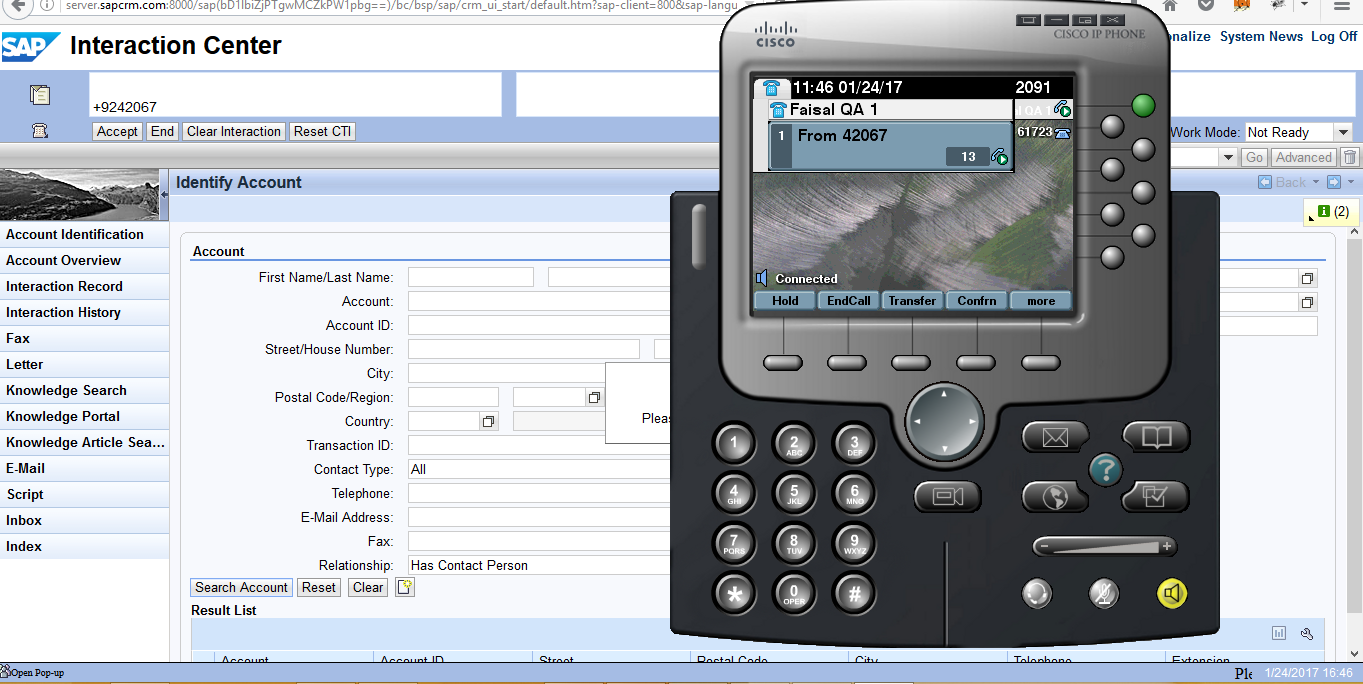

Possible Causes
-
This happens when agent is already logged in Finesse and then he tries to login into CTI Toolbar
Call State is connected on Adapter while Call is on Held state on IP Communicator
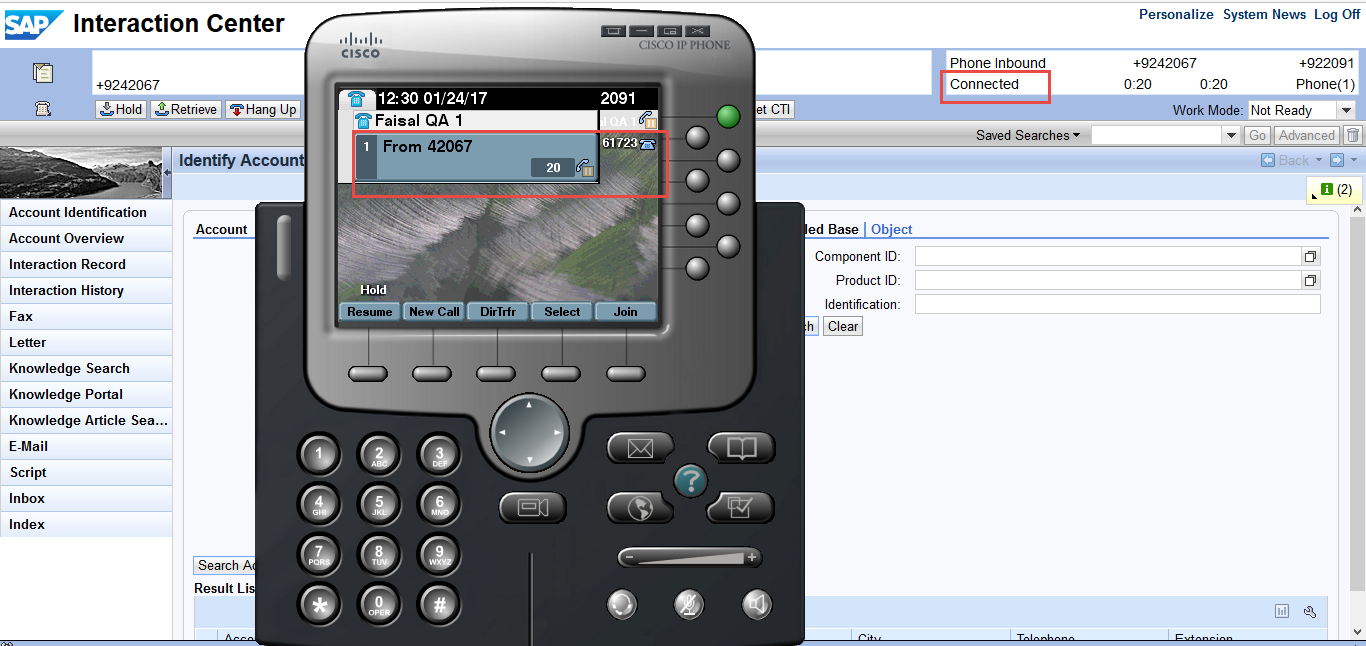
Possible Causes
-
This happens when agent puts call on held from Finesse or IP Communicator
Error Message: Consult function failed
Agent tries to make a call but gets the message “Consult function failed”.
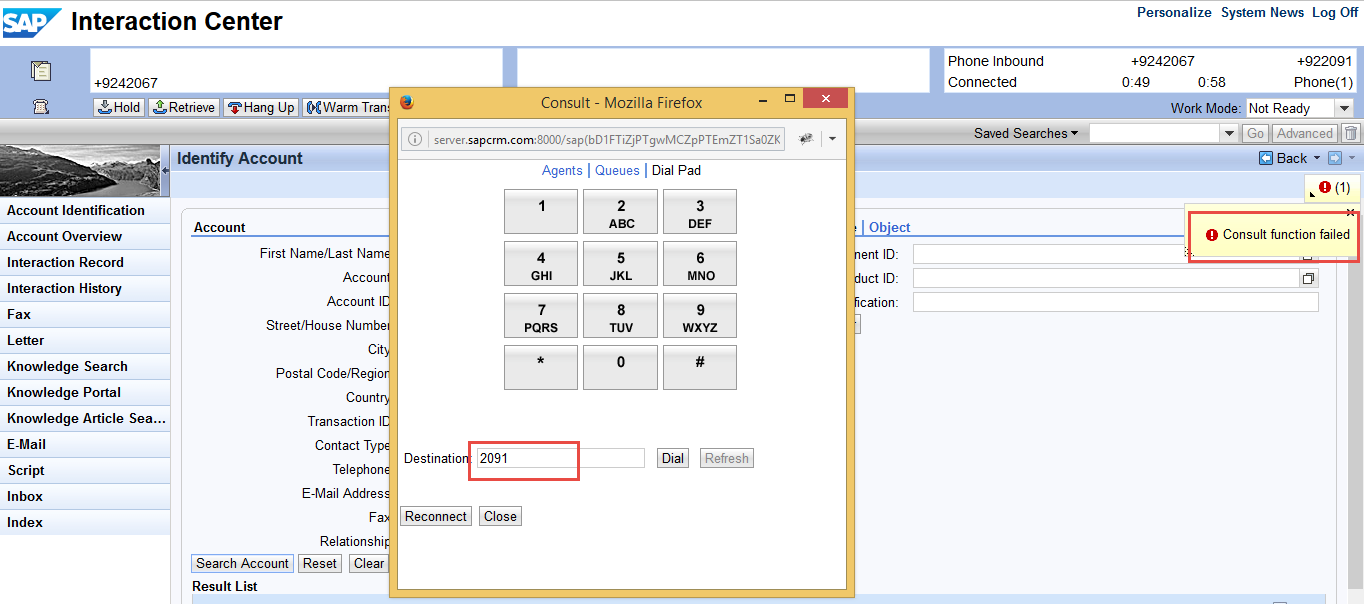
Possible Causes
-
When agent tries to make a call on the same extension he is logged in.