Agent Capabilities
Integration of the Genesys embedded framework with Zoho CRM. This embedded Genesys Contact Center operates within the Zoho CRM UI, enabling agent and media controls so agents can handle calls, chats, and emails using the same CRM interface.
The Zoho CRM Connector for Genesys Contact Center has the following feature set:
Agent State Controls
The embedded CTI toolbar within Zoho allows agents to manage their states. The following state controls are supported:
|
State Controls |
Description |
Look and Feel |
|---|---|---|
|
Login |
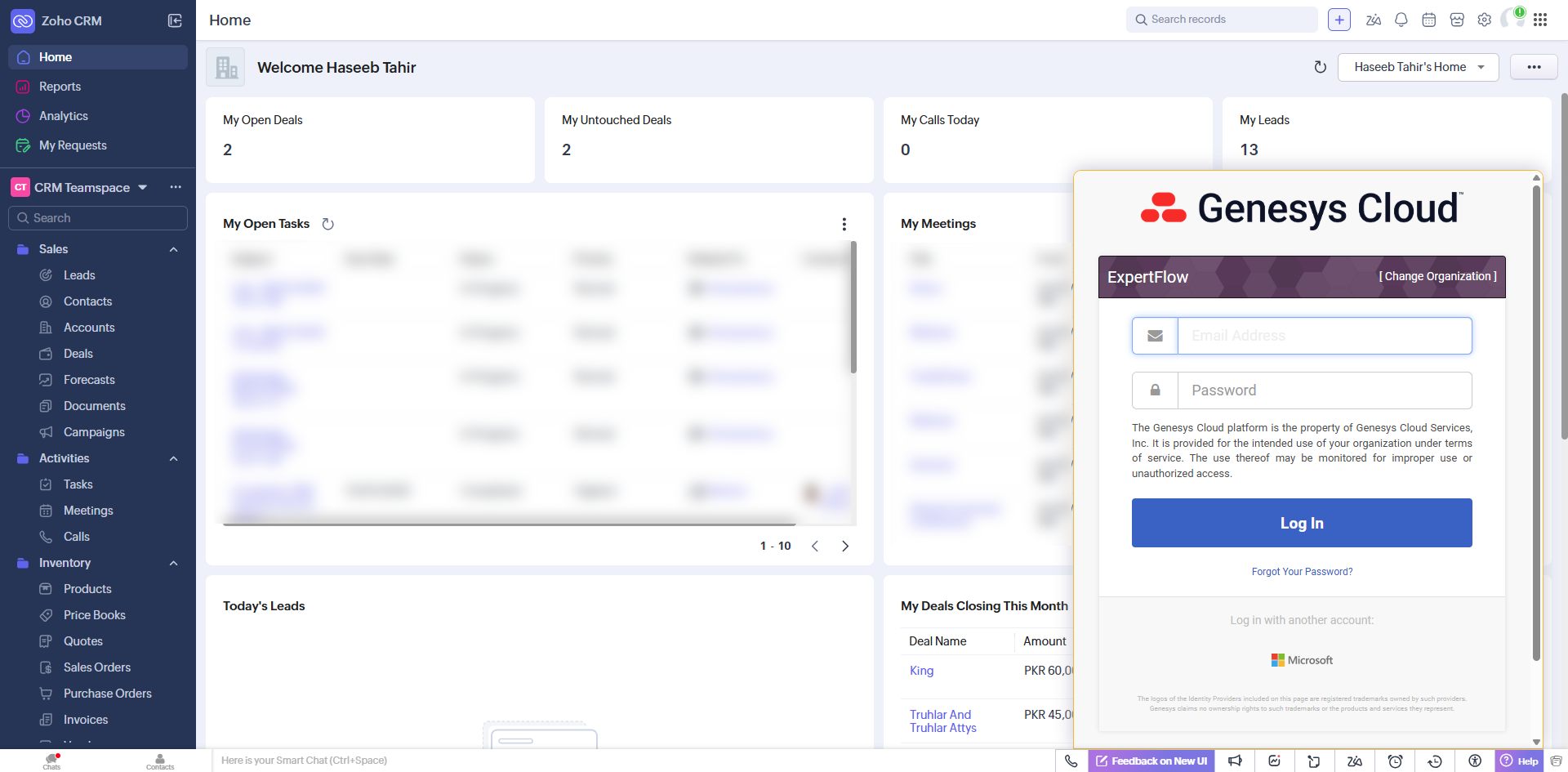
Agents first log on to Zoho CRM. Manual login to Genesys CC by entering valid credentials. |
|
|
Post Login |
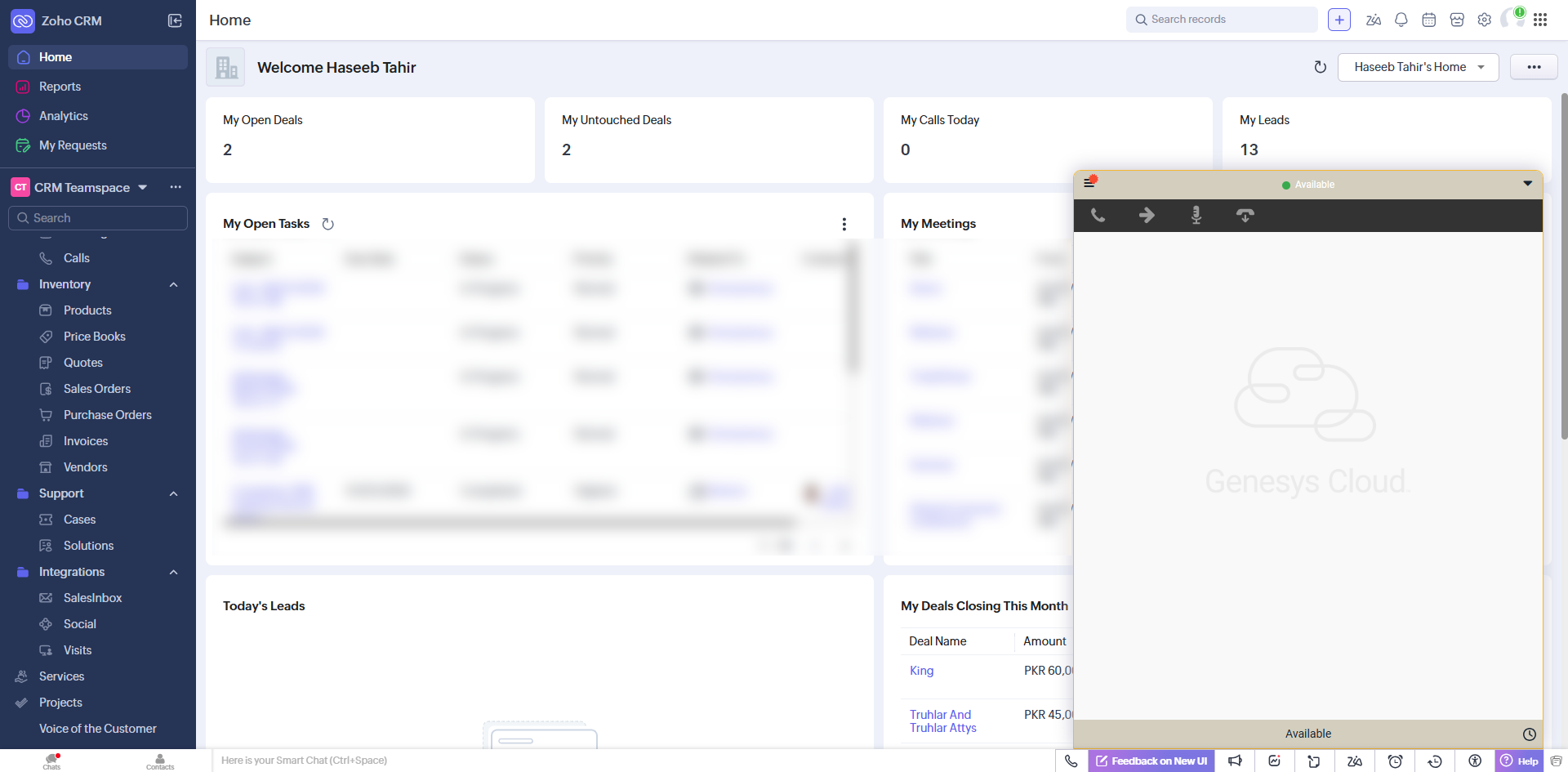
After entering the credentials, the agent can see the Dashboard. |
|
|
Logout |
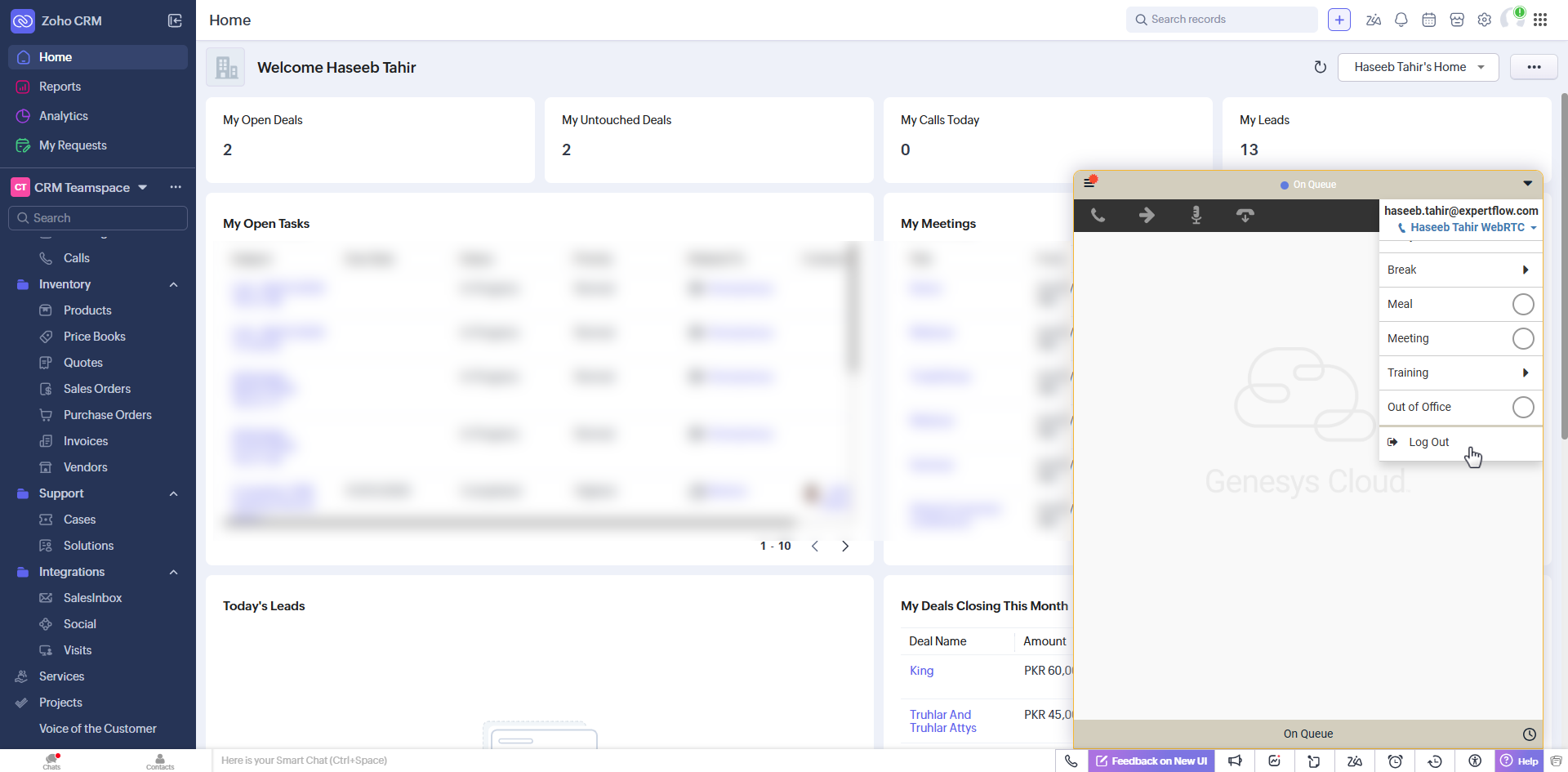
The agent will need to explicitly log out from the Genesys CC toolbar by providing the Logout reason code. |
|
|
On-Queue / Away /Break |
The agent may change the availability status to “On-Queue” to receive contact center calls or may change it to any of the “Away/Break” states for a break. |
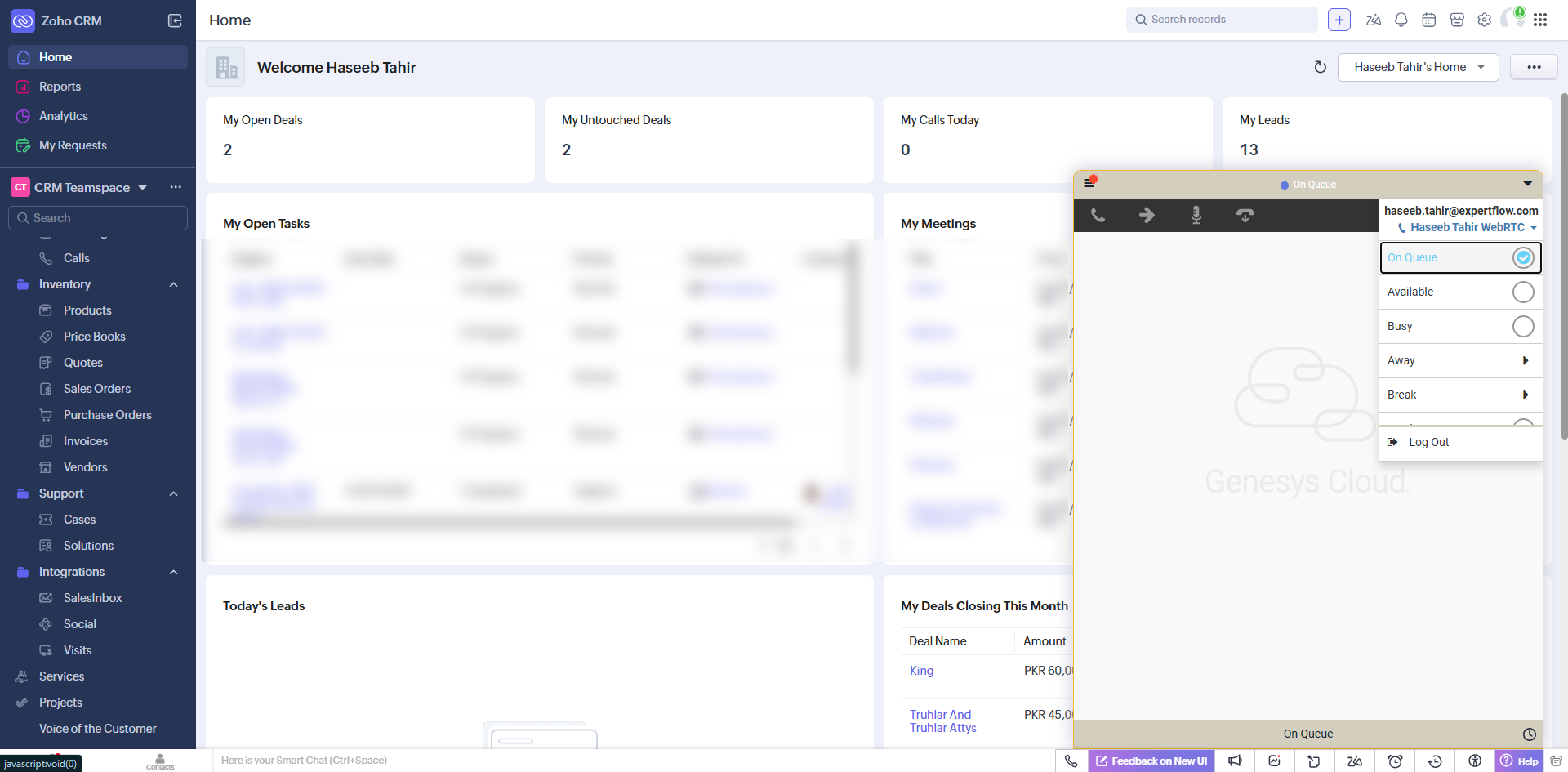
|
It is mandatory to have reason codes pre-configured inside Genesys.
Accept Conversation
Enables agents to receive a conversation from queues, handle an ongoing conversation.
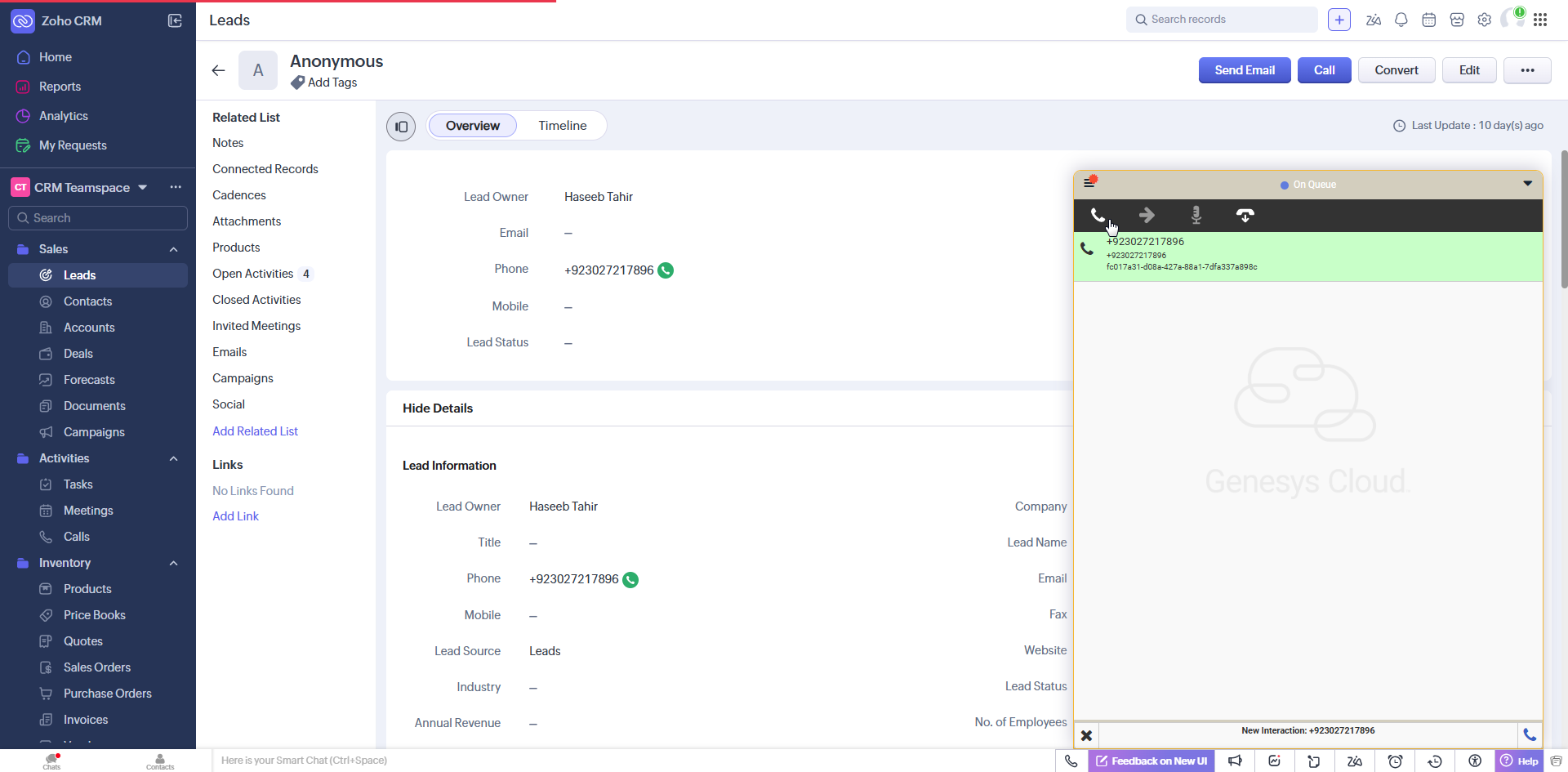
Conversation Notification
-
Once an agent receives a new request, it is assigned to an agent, and the agent is reserved. An incoming conversation notification appears on the Genesys, with a button to Accept the request. The notification contains the number of the customer.
Conversation Switching
-
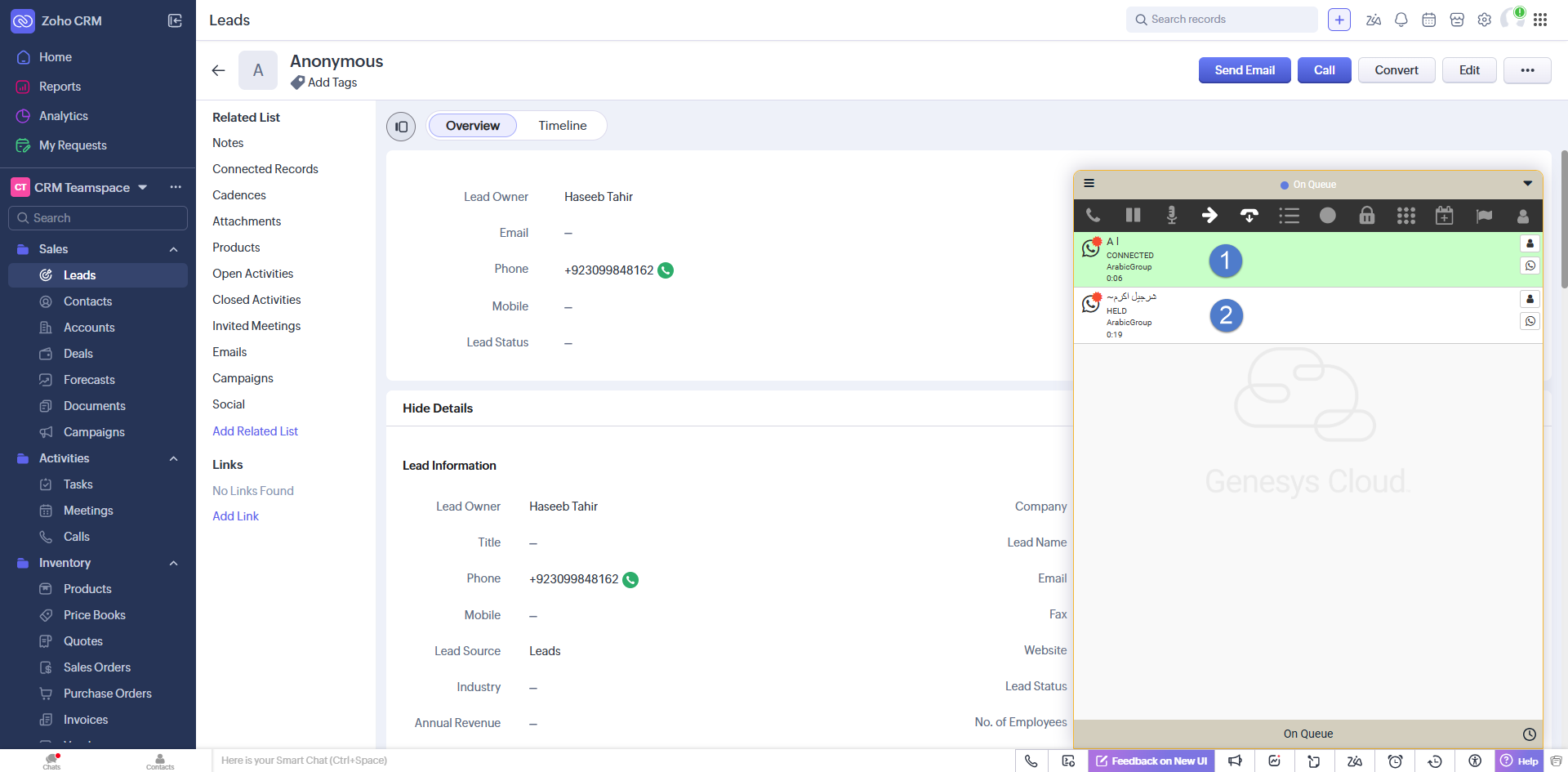
An agent can accept more than one conversation requests at a time. It means he can handle multiple conversation and can switch between different conversation by clicking on left under the relative panel.
CTI Call Controls
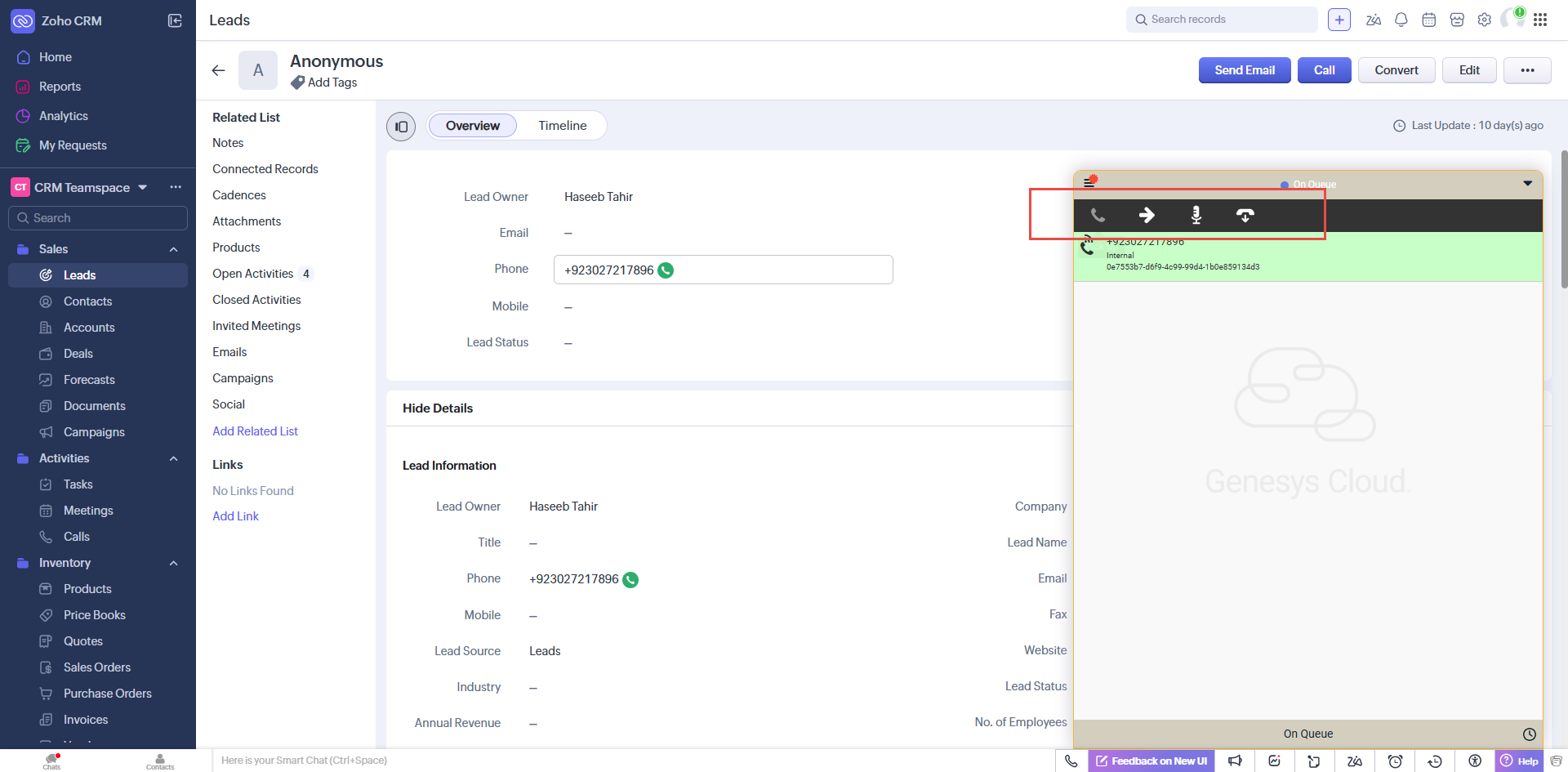
Controls/buttons on the toolbar change based on the current state of the agent/call and the telephony event fired from the contact center. Using the communication toolbar, the agent can perform the following actions,
-
Accept an incoming call
-
Hold/Resume/End call
-
Consultative or blind call transfer
-
Conference call
-
Call wrap-up
Call wrap-up is only for inbound Conversation.
Screen Popup
When a conversation arrives on the logged-in agent, Account/Contact/Lead is popped up according to the customer’s number and information stored in Zoho CRM.
-
If one record is matched, then that record will automatically pop up.
-
In the case of multiple matches, a list of all the matched records of the respective entity is shown above the Genesys Connector and the agent can also manually select the customer record from multi-match list, and that customer profile will pop up.
-
If there is no match, an anonymous record will be created based on no match entity inside the extension configuration.
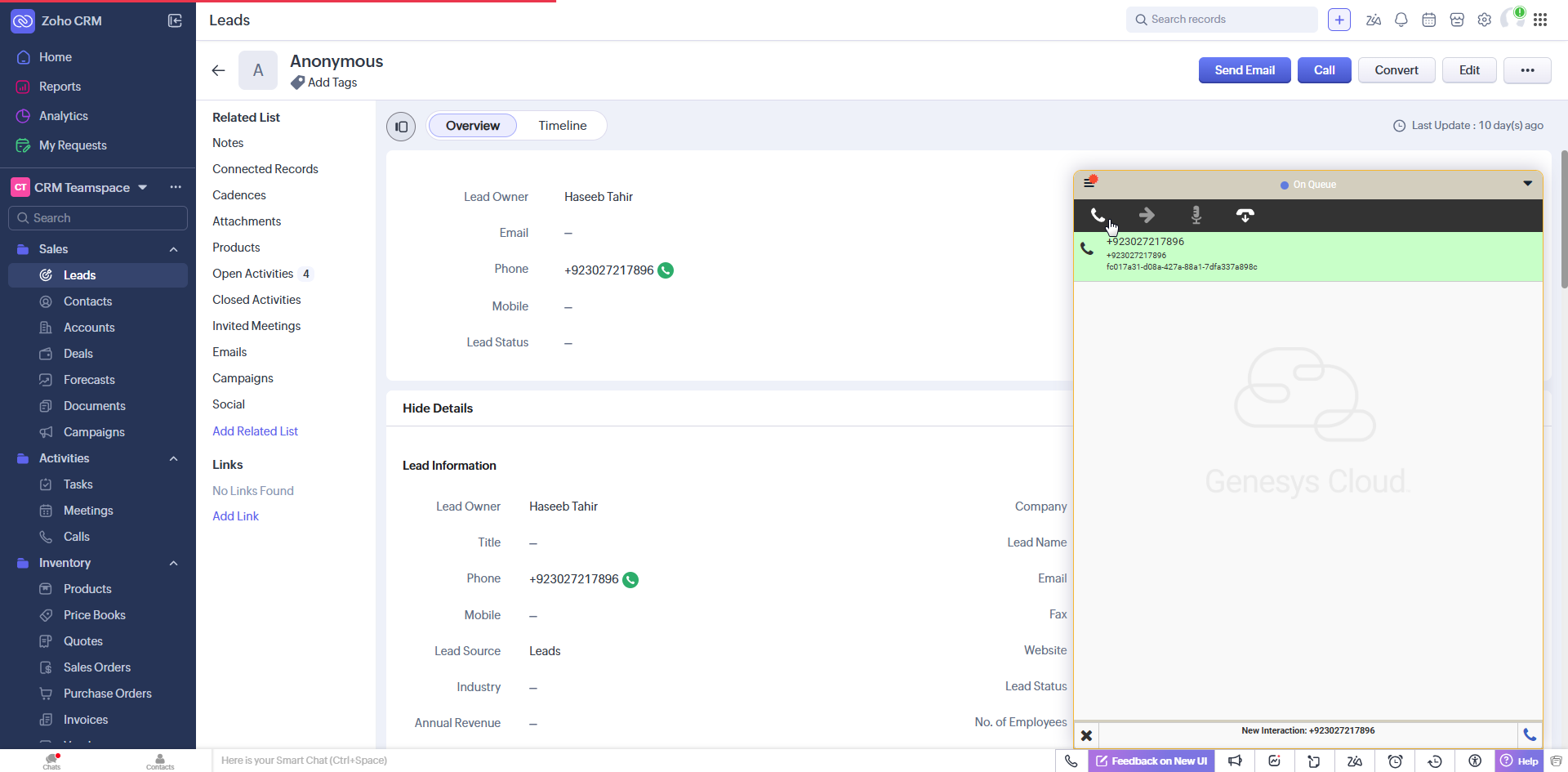
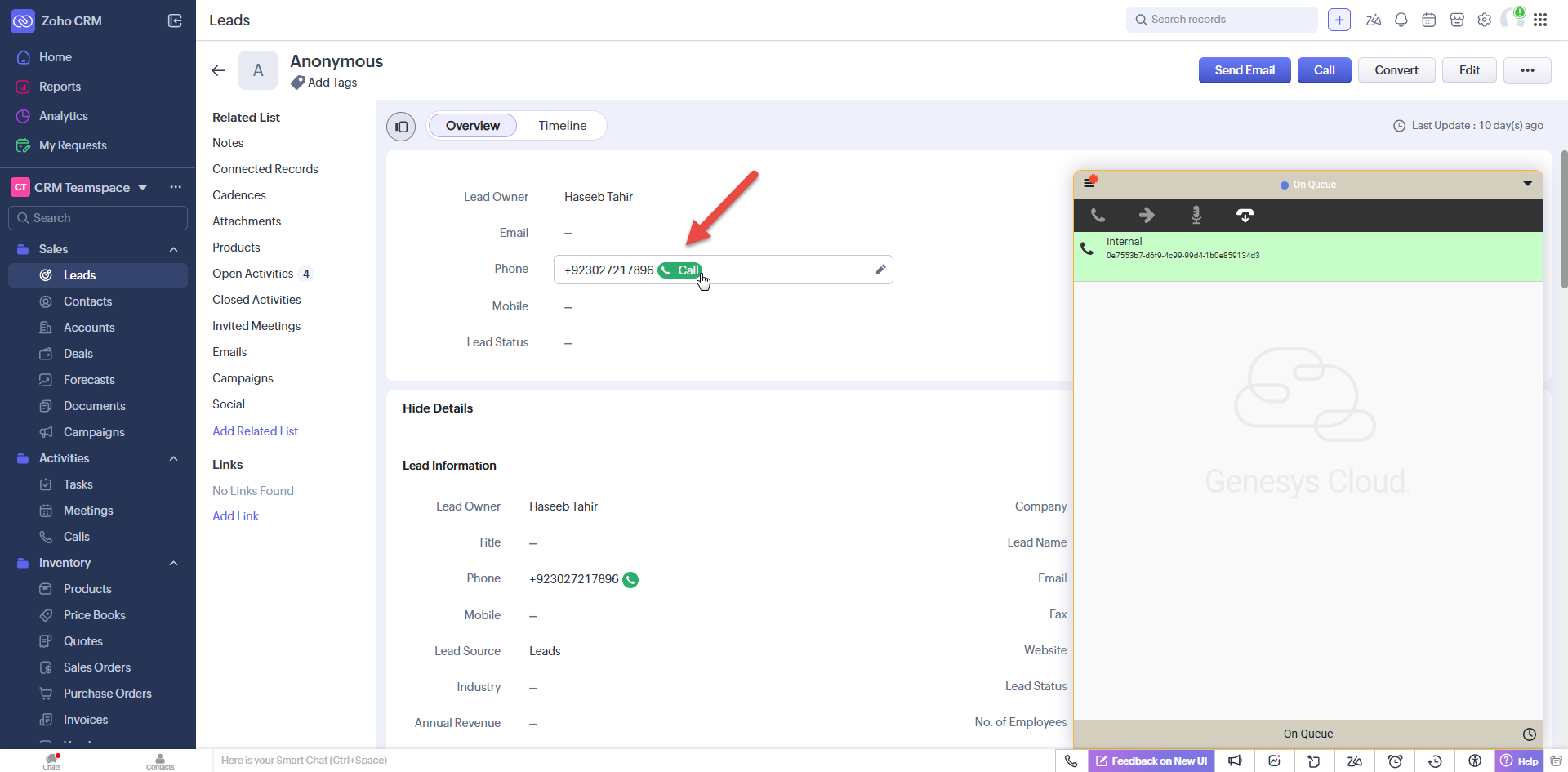
Click to Dial
This feature allows the agent to select any number corresponding to a record and initiate an outbound call with that number.
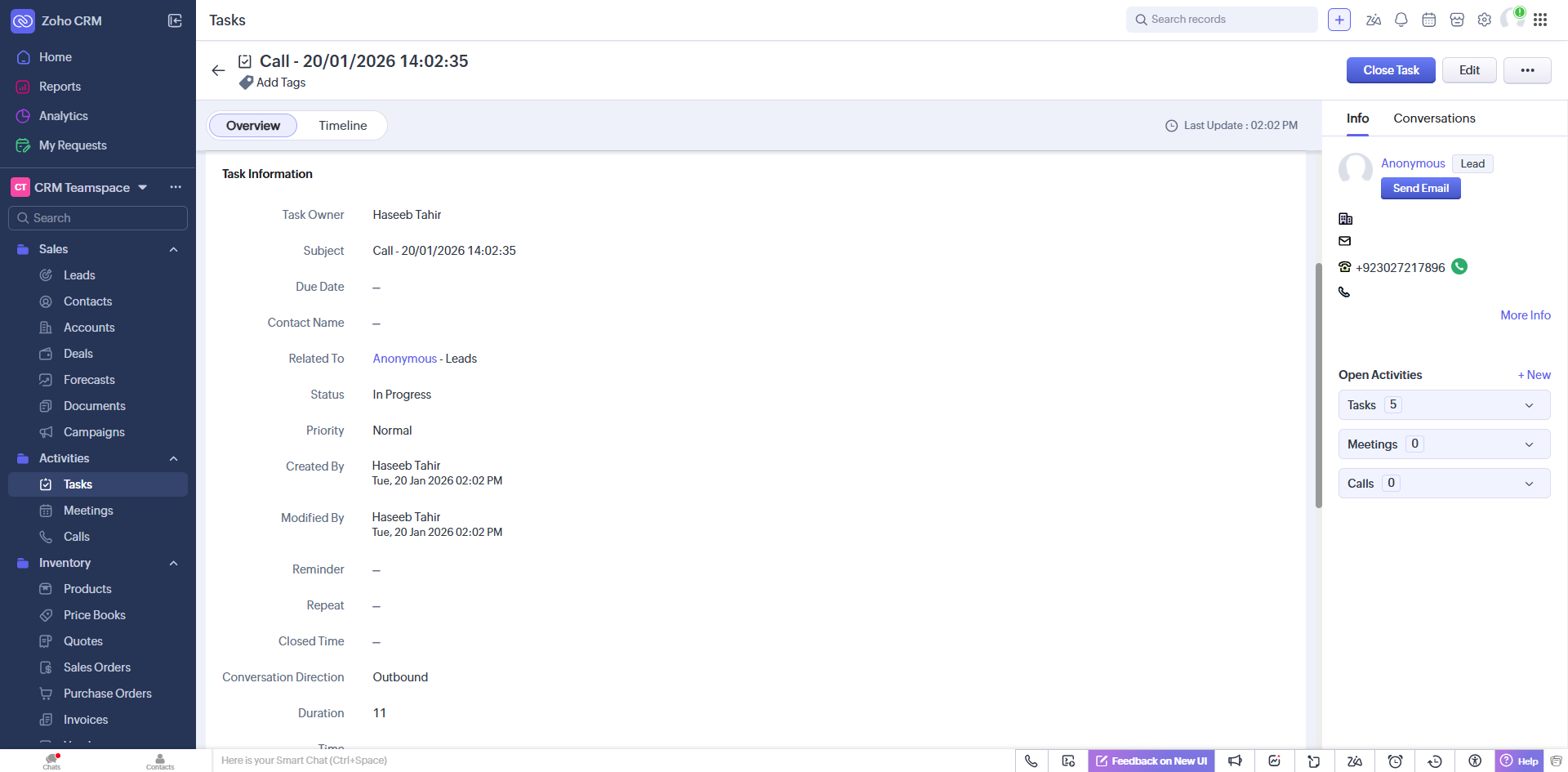
Conversation Activity
A conversation activity is created at the end of the conversation for all call, chat and email except consulting calls. It contains information such as:
-
Subject
-
Contact / Related To
-
Status
-
Priority
-
Created By
-
Duration
-
Notes
-
Conversation Direction
The task subject is created as a combination of different attributes that are conversation type and the time.
All conversation activities can be seen from the ‘Tasks’ tab at the top, it will show the activities in descending order i.e. latest activity will be at the top. In the case of single matching or no matching record, it will be created automatically.