This document contains all the configurations required for the setup of APISIX-Proxy for API Authentication in CX. Following configurations are the prerequisite before the enablement.
-
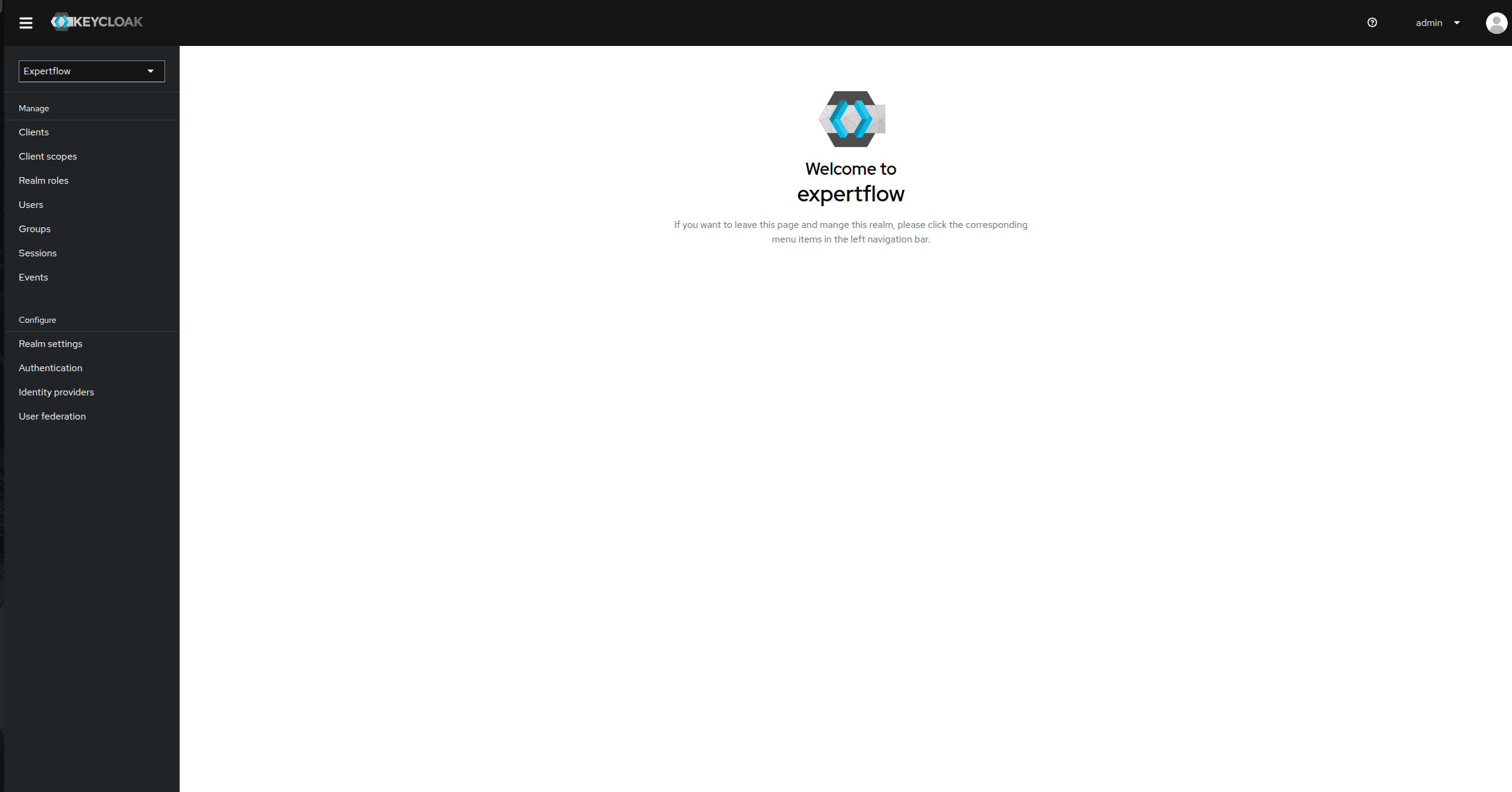
First go to your Keycloak instance and login, then go to the expertflow realm.
-
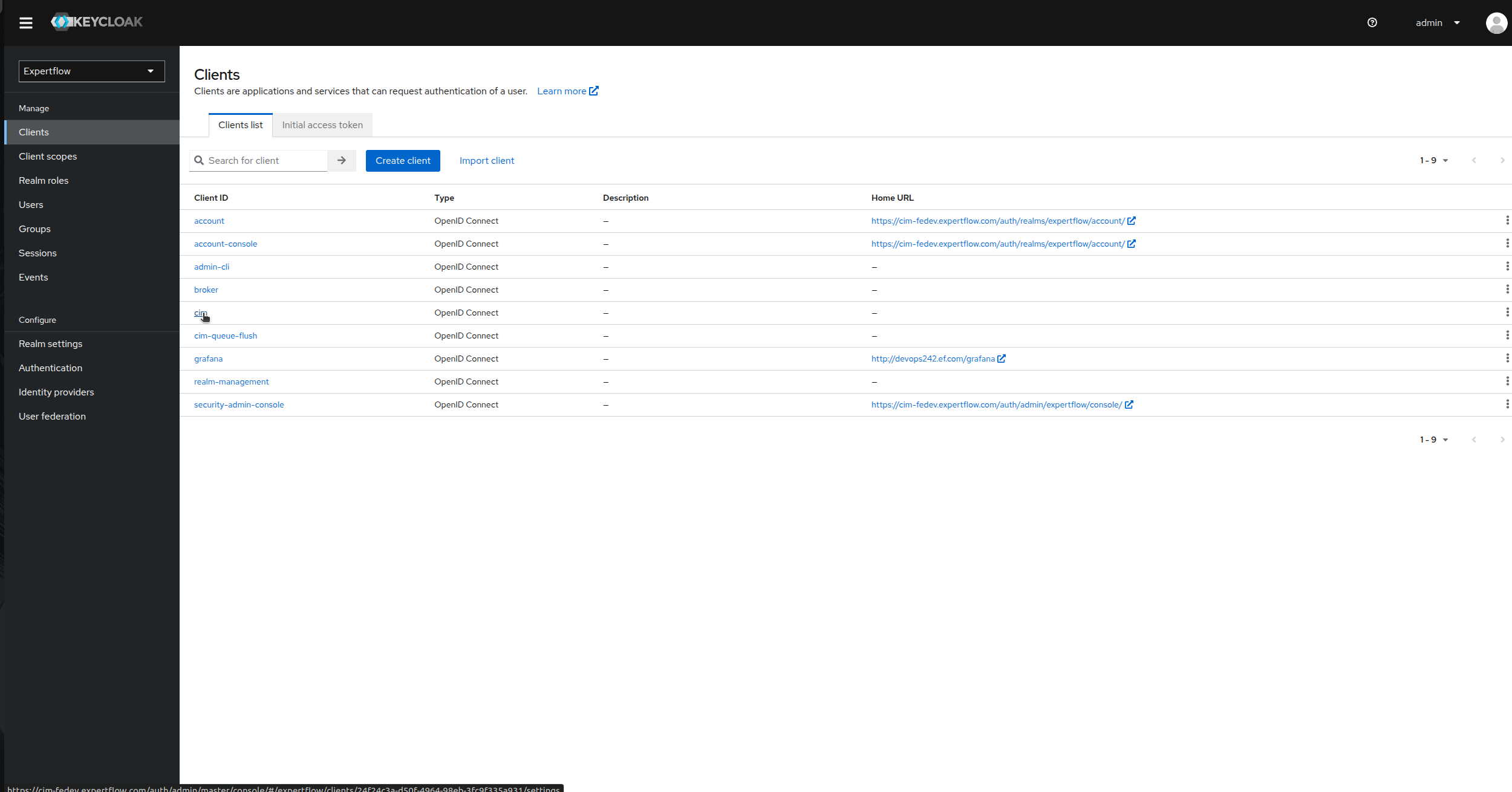
Then click on clients option in left panel and then select cim.
-
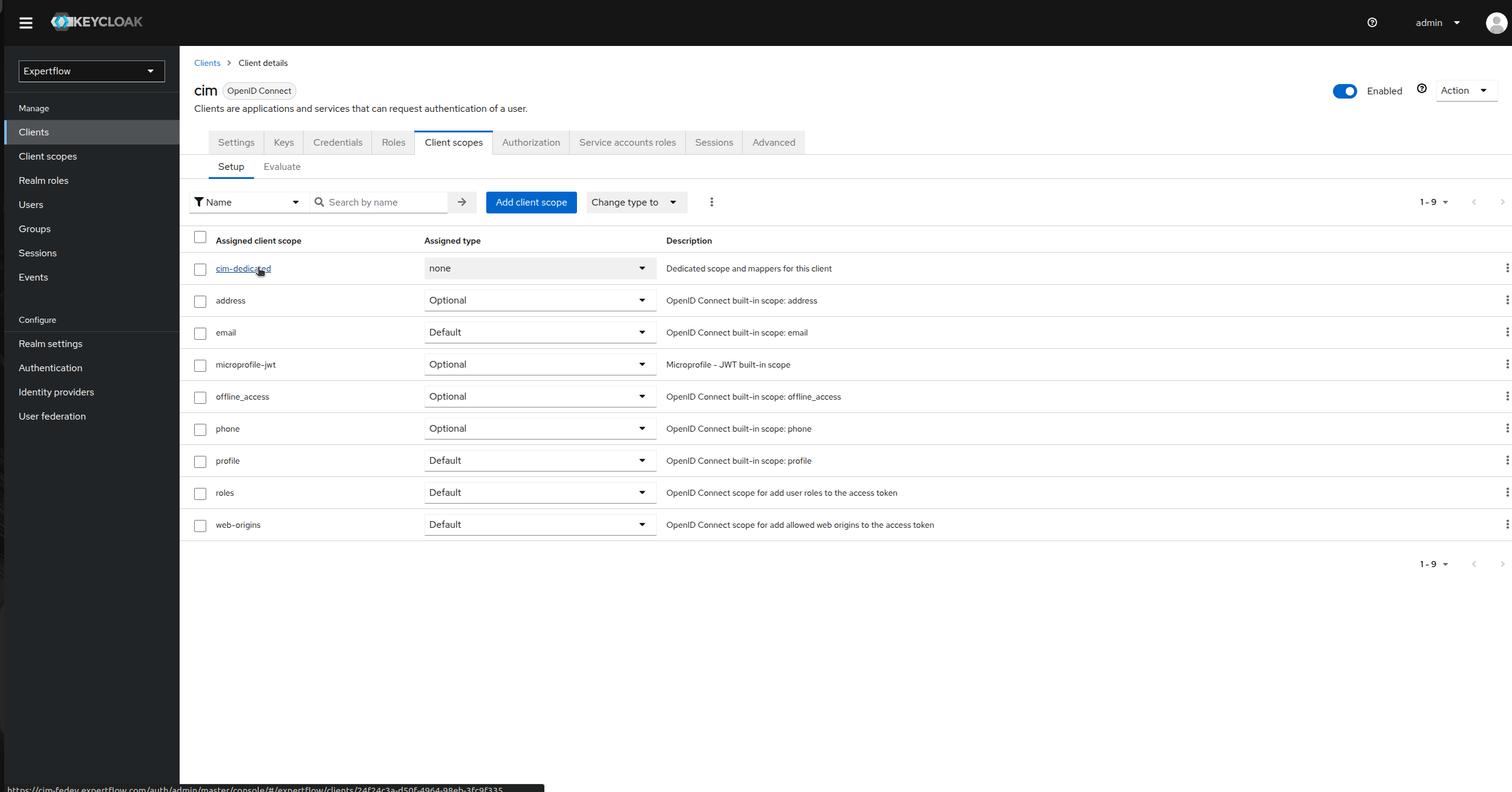
Now, go to the client scopes and click on cim-dedicated under Assigned client scope.
-
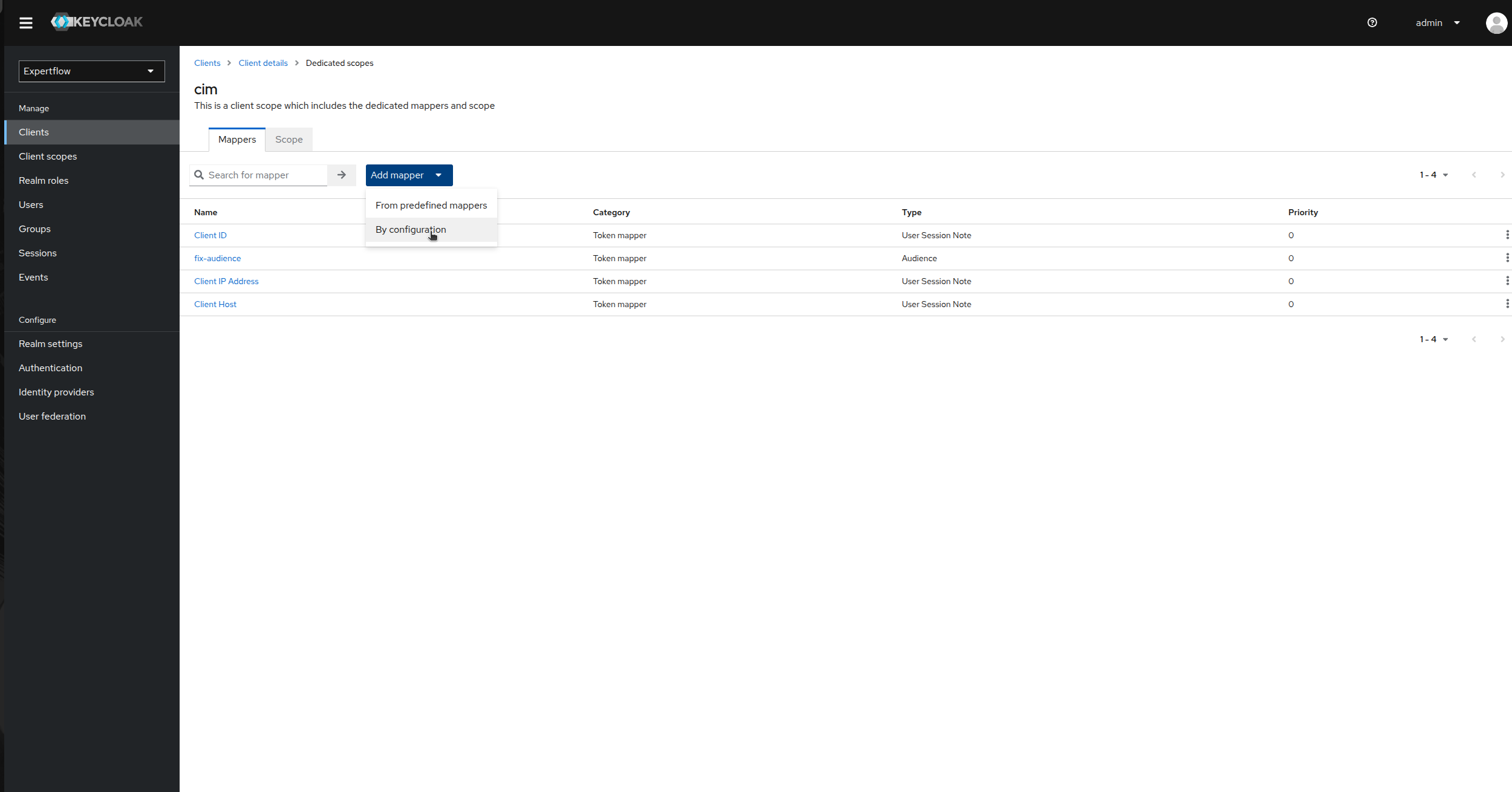
Click on Add Mapper and then select By configuration.
-
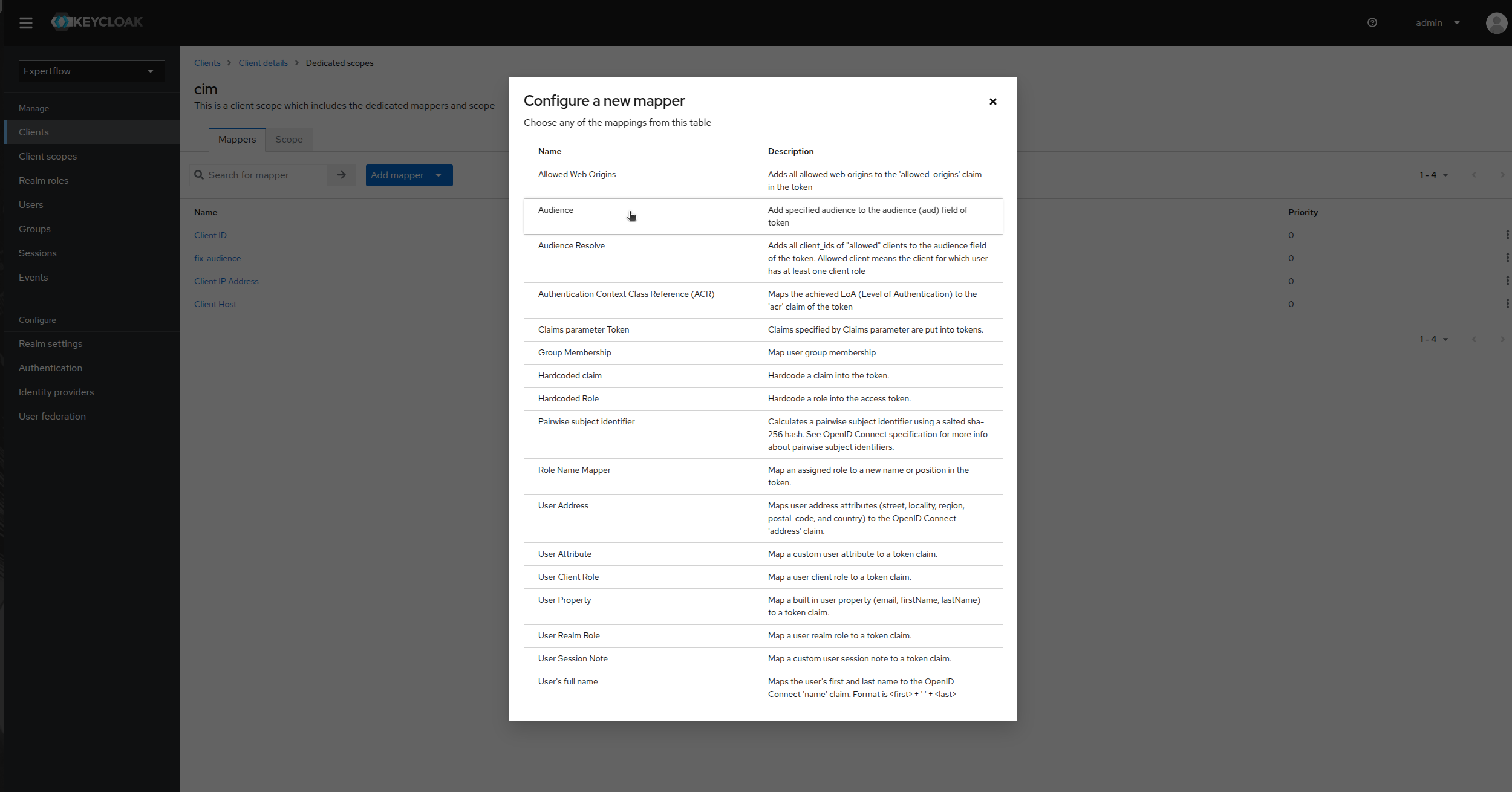
Click on Audience.
-
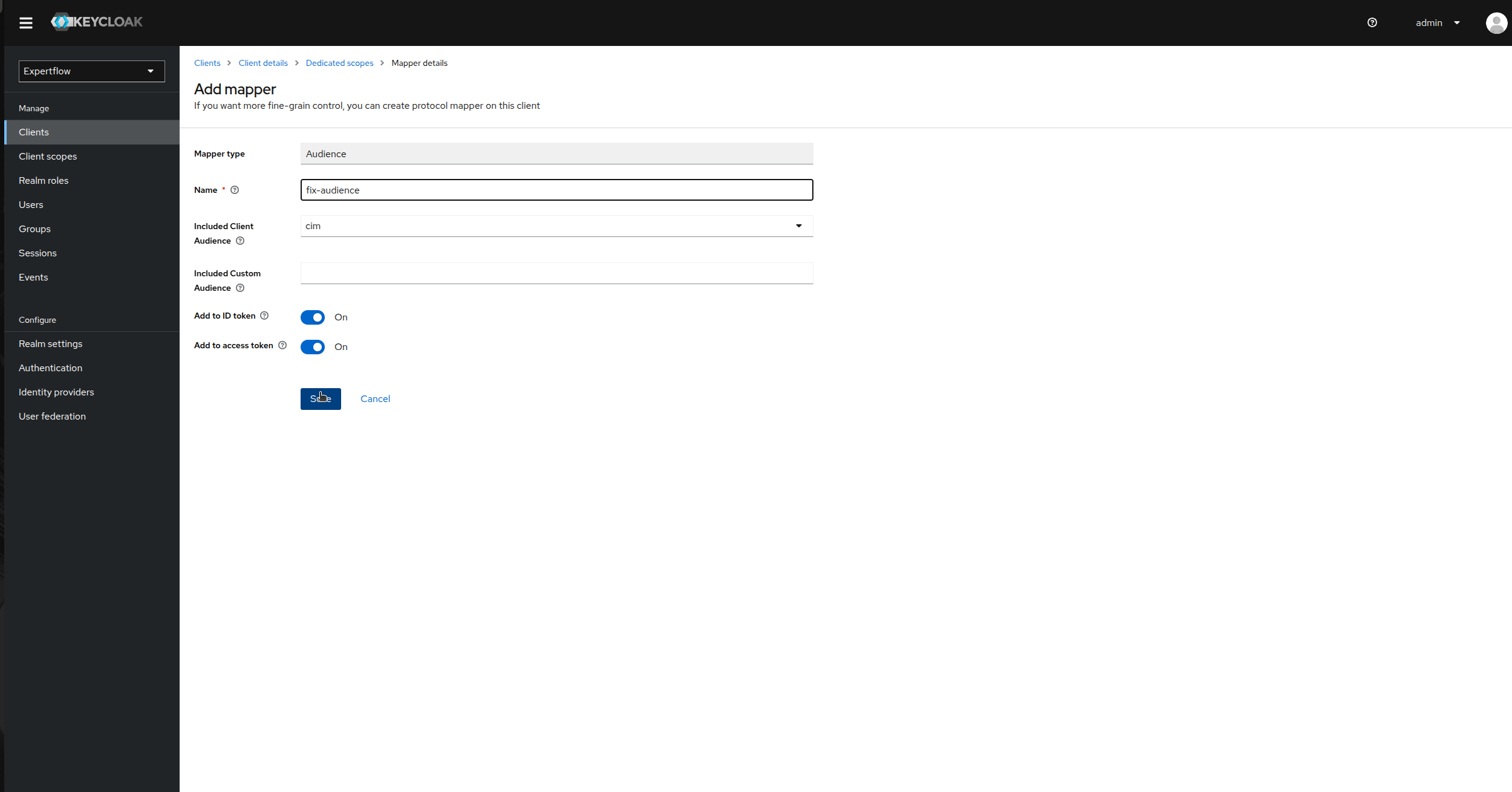
Provide Name as “fix-audience”, select cim in Included Client Audience. Check “Add to ID Token” toggle as On and Save.
Create a Customer User:
This user is responsible for creation of Access Token for each customer in Customer Widget.
-
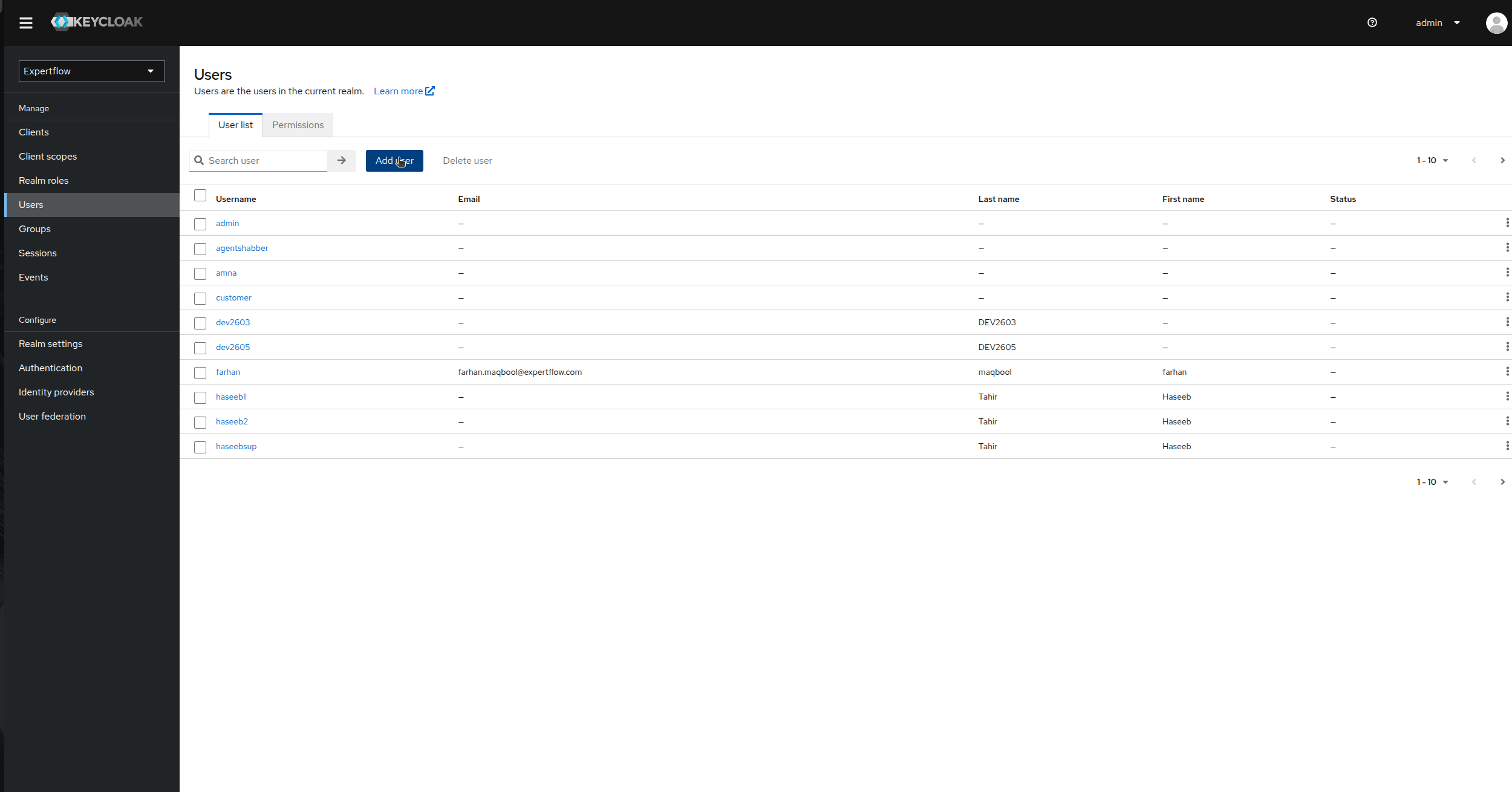
Go to the Users tab in left Control Panel.
-
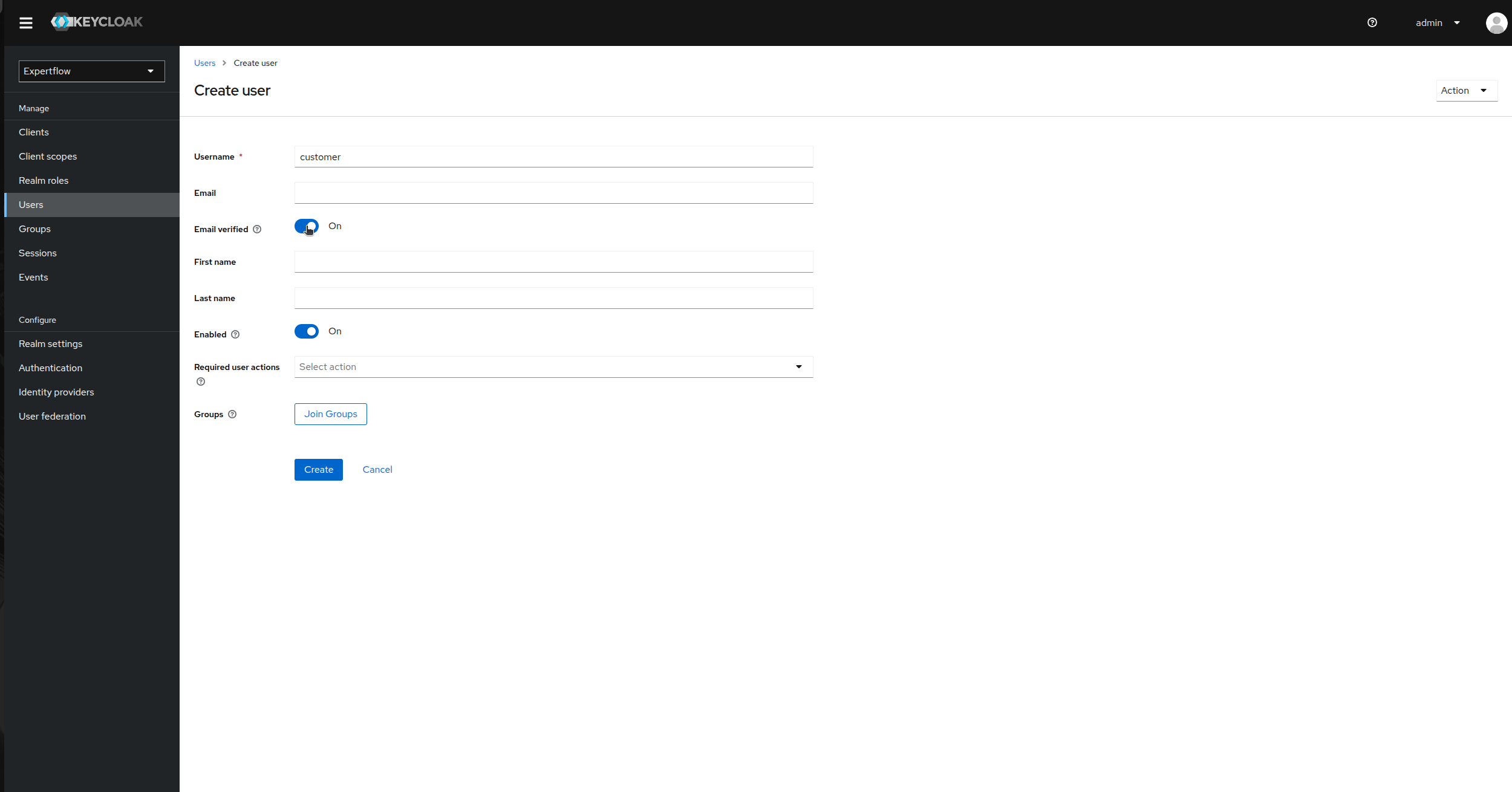
Click on Add User and provide username as “customer” and enable Email Verified toggle to On and click save.
-
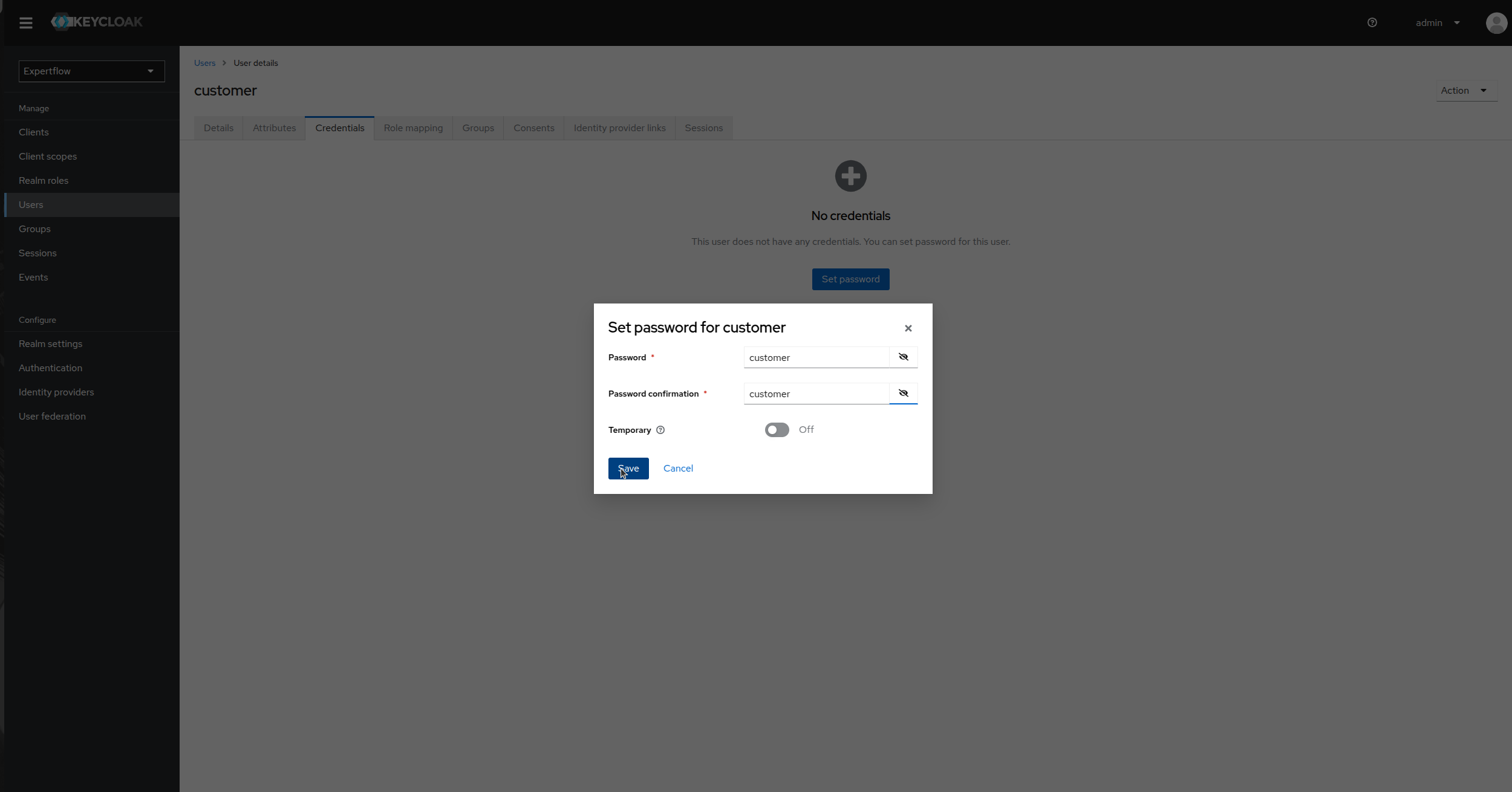
Once user is created, go to Credentials and click on Set Password, provide credentials as customer and toggle temporary to false. Click save