
Allows the business to categorize customers based on certain characteristics such as customer segment, language, and type (gold, platinum, standard).
To create Customer Labels
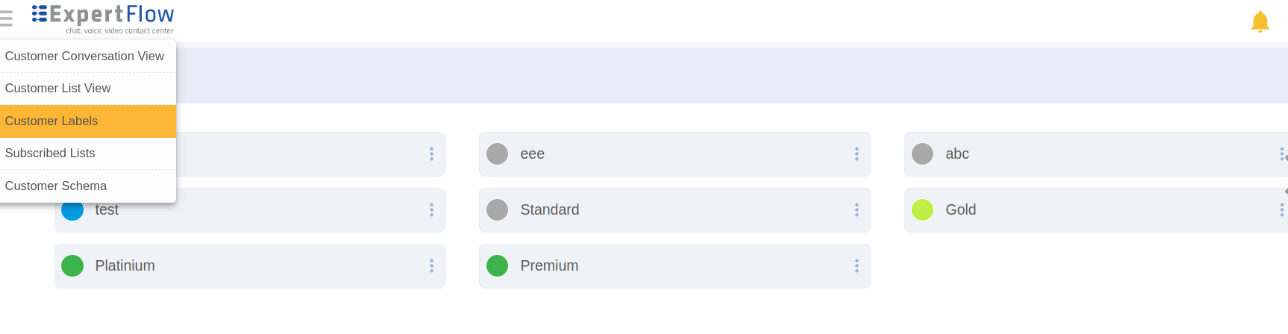
Select Customer Labels from the main menu in the top left corner.
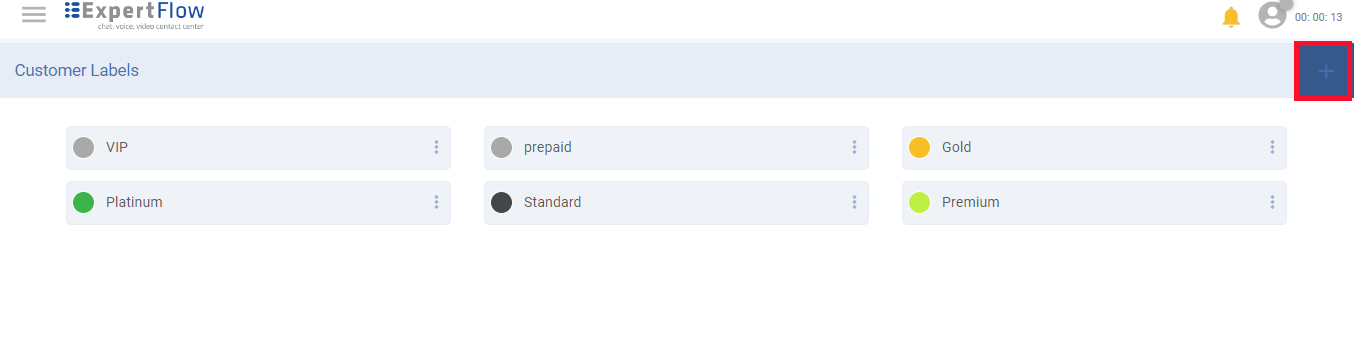
Click the '+' button to create a new label.
|
Field |
Description |
|---|---|
|
Label |
Give a name to the label. Labels are case-sensitive. Note that a label with the same name cannot be created. |
|
Color |
Choose a color to give a colored representation. |
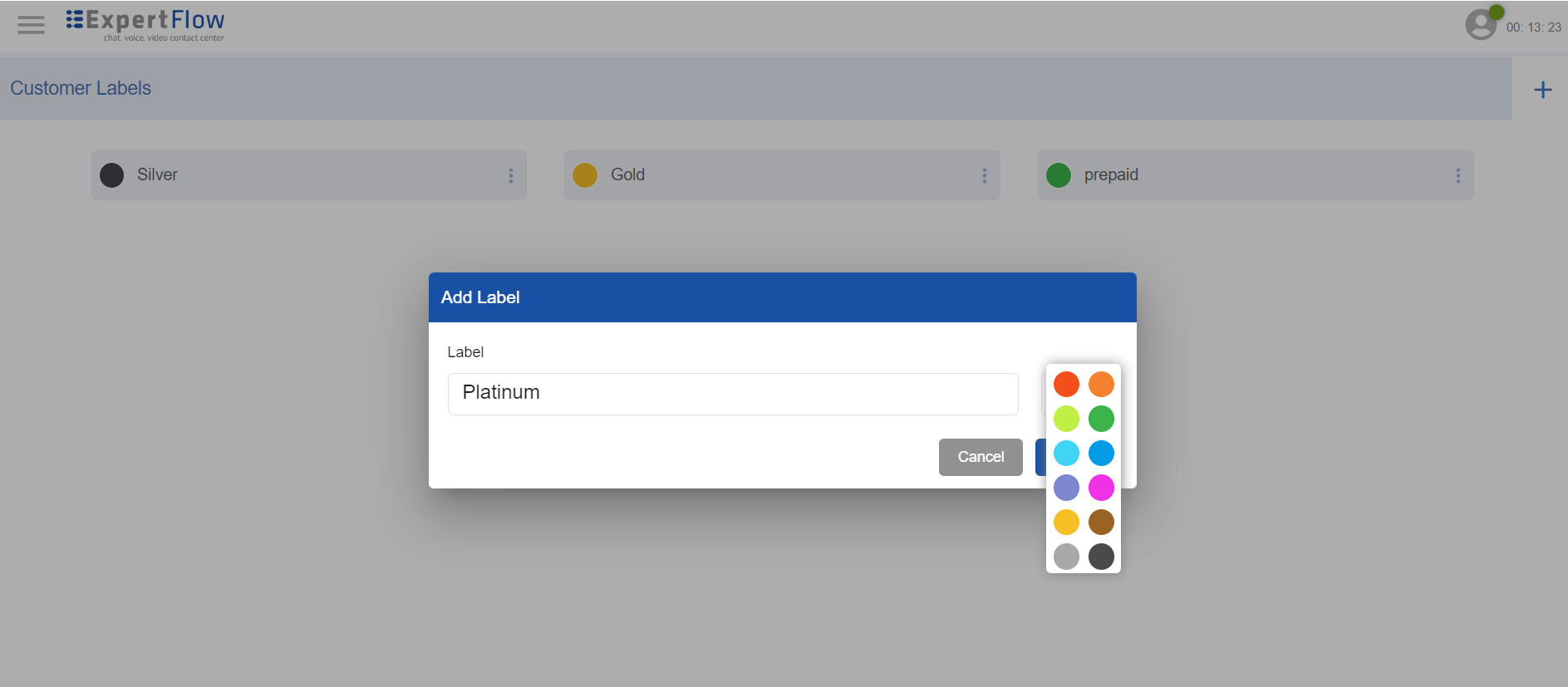
Add Customer Labels
Once created, labels are available to agents while assigning them to customers during a customer conversation.
Labels can also be created dynamically while updating a customer's profile. See Agent capabilities to assign labels to customers