
Make sure that your bot is trained with the essential training data (or is up with the default bot training) to handle self-service customer requests.
You must have a bot configured in the system to start creating new channels.
To learn more about Bot-controlled conversations, see Conversation Studio. To learn more about Bot training, see Custom Connector-Bot Communication
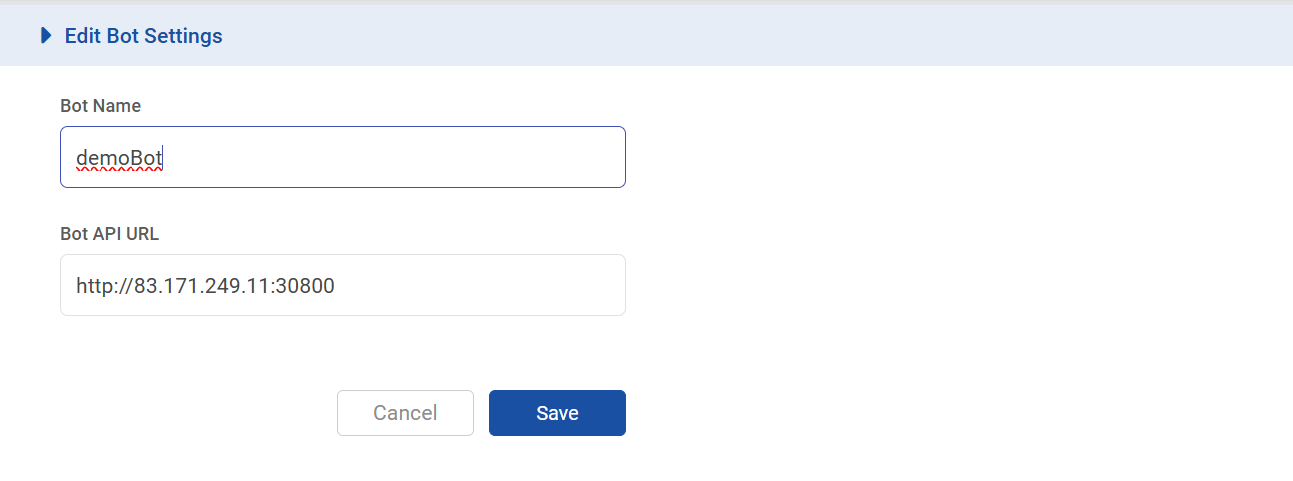
Expand the Rasa type and click, Add Bot to add the default bot.
|
Field |
Description |
|---|---|
|
Bot Name |
Specify a name to be given to the bot. |
|
API URL |
Enabled only if the Bot Type is Rasa or Custom. Provide the URL where the default bot connector is running. Example: |
If a Bot Connector is being used with a Channel or anywhere else, the system does not allow to delete such a Bot until this association is removed.