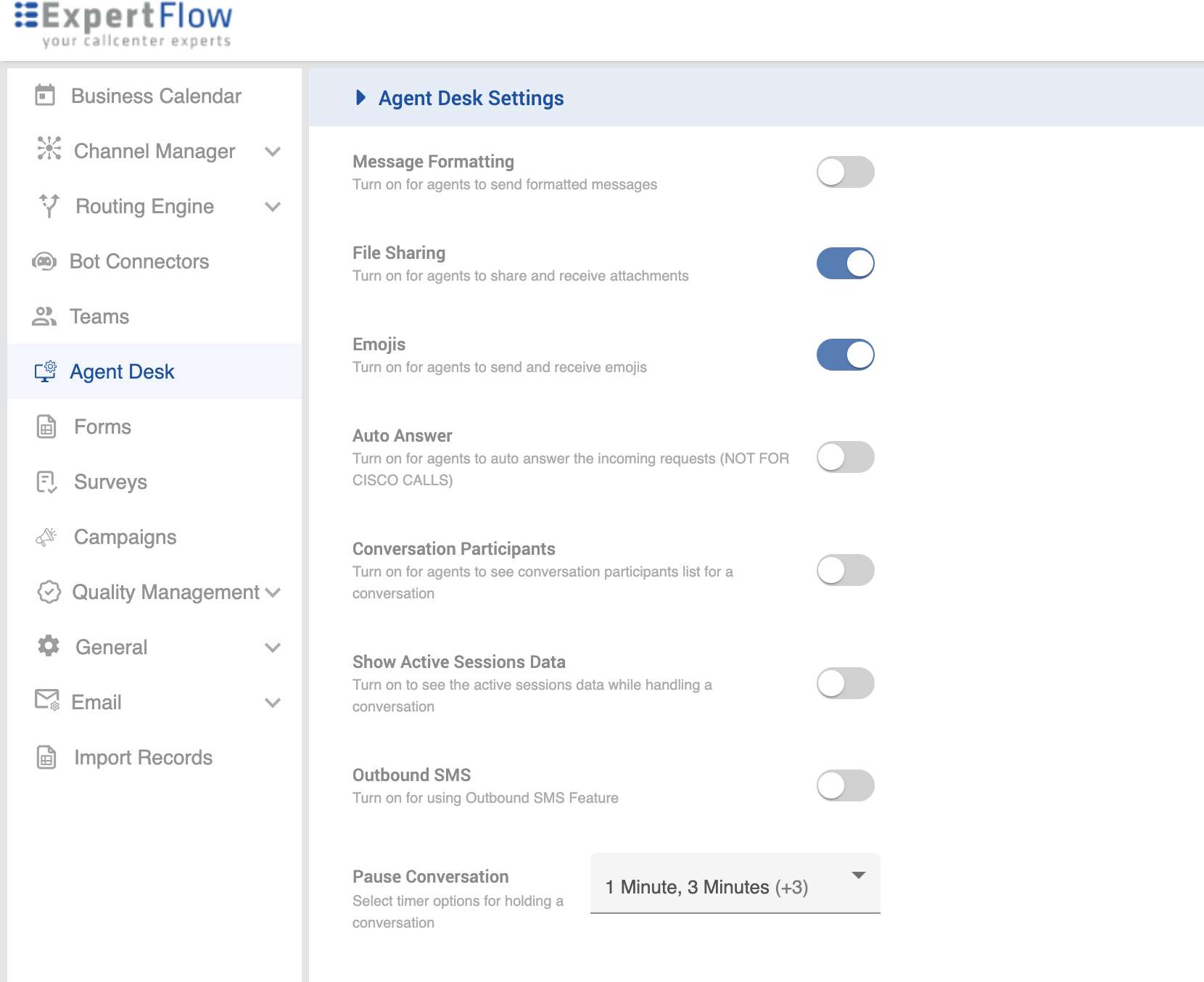
Enable admin to give the ability to agents to format messages, file sharing, emoji support etc
|
Field |
Description |
|---|---|
|
Message Formatting |
Turn on for agents to send formatted messages |
|
File Sharing |
Turn on for agents to share and receive attachments. |
|
Emoji |
Turn on for agents to send and receive emojis. |
|
Auto answer |
With Auto-answer enabled, a new incoming Conversation request is automatically accepted on the agent. The agent does not need see incoming notification. (NOT FOR CISCO CALLS) |
|
Conversation Participants |
Turn on for agents to see conversation participants list for a conversation |
|
Show Active Sessions Data |
When turned on, it will allow the agents to see the active sessions data in the Customer Info panel on Agent Desk while handling a conversation. |
|
Outbound SMS |
If turned on, agents will be able to use the SMS service to send an outbound SMS to a customer regardless of a conversation. |
|
Pause Conversation |
Select timer options for holding a conversation. This allows configuring only the desired pause options that admins want their agents to see while pausing the conversion.
|
Active Channels are now renamed to Active Sessions