
You can define system languages and timezones to render agent interfaces in the local language.
The localization settings here apply only to the AgentDesk interface.
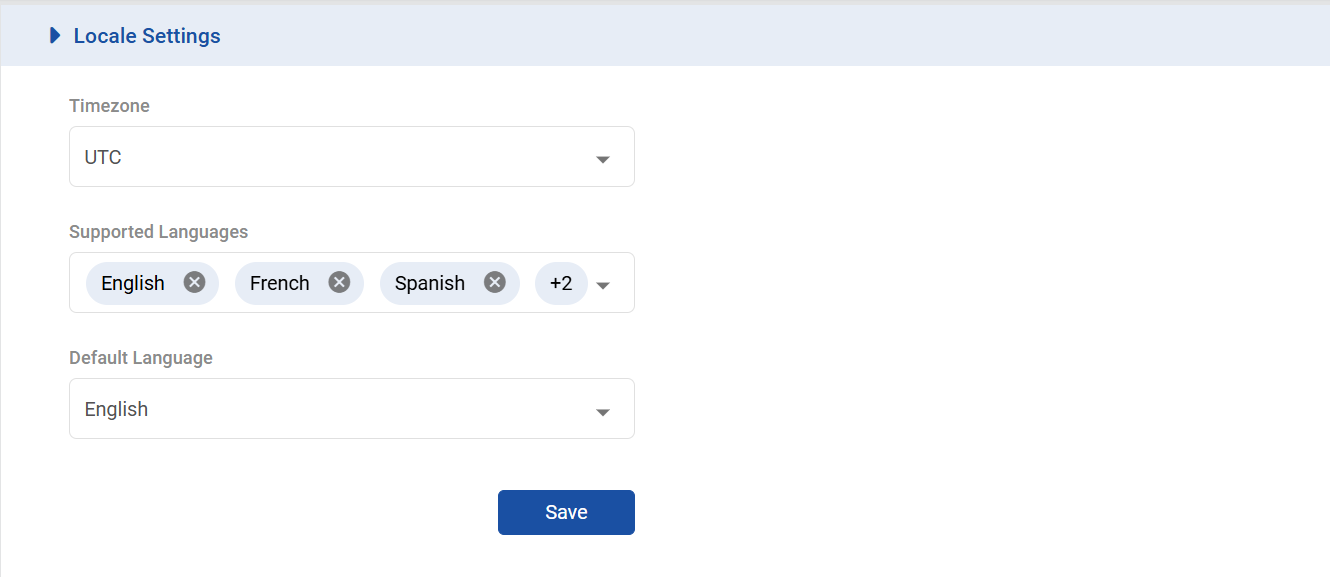
To add supported languages and time zones, go to General → Locale Settings.
|
Field |
Description |
|---|---|
|
Timezone (reserved for future) |
Choose your desired timezone. The default value is UTC. |
|
Supported Languages |
Choose the languages that the system should support, for instance, for rendering the UI. For now, the only supported languages include:
|
|
Default Languages |
Select the default language from one of the supported languages. The agent interface is rendered in the default language as specified here (Given the relevant language translation is uploaded on the system). |