
A default Wrap-up form is available on the Forms page.
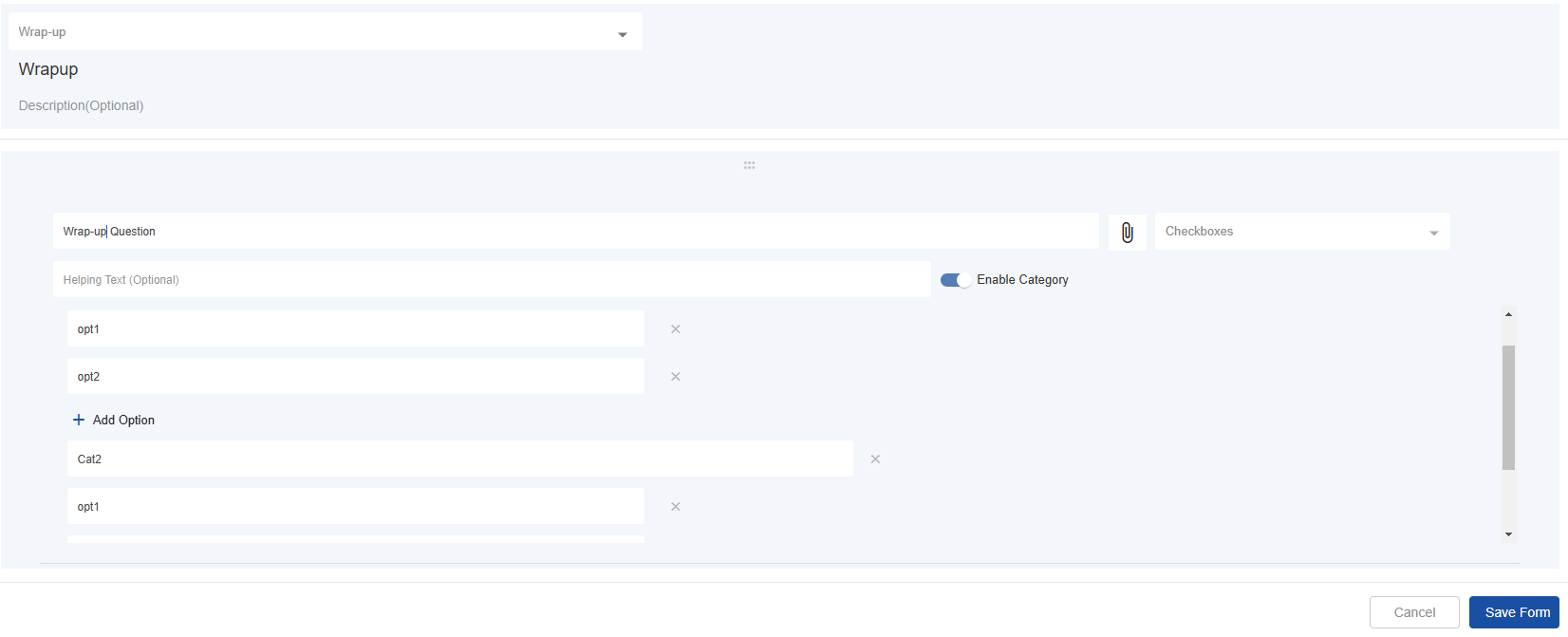
Go to the form, Wrap-Up, and select edit action against the form to add wrap-up categories and reasons as per your business needs.
|
Field |
Description |
|---|---|
|
Form Title |
A default title is already specified. Do not change the title of the default form for a smooth flow. |
|
Description |
Specify an optional description of the form here. This won't be shown on AgentDesk. |
|
New Question |
In the default Wrap-up form, a question with the type “Checkboxes” is already added. By default, a category with some options is added. If you do not want to add category, disable by toggling off “Enable Category” option. |
You may add as many categories and options as needed in the Wrap-up form.