
|
Report Summary |
This report shows customers who have made multiple calls/chats within a specified timeframe. |
|---|
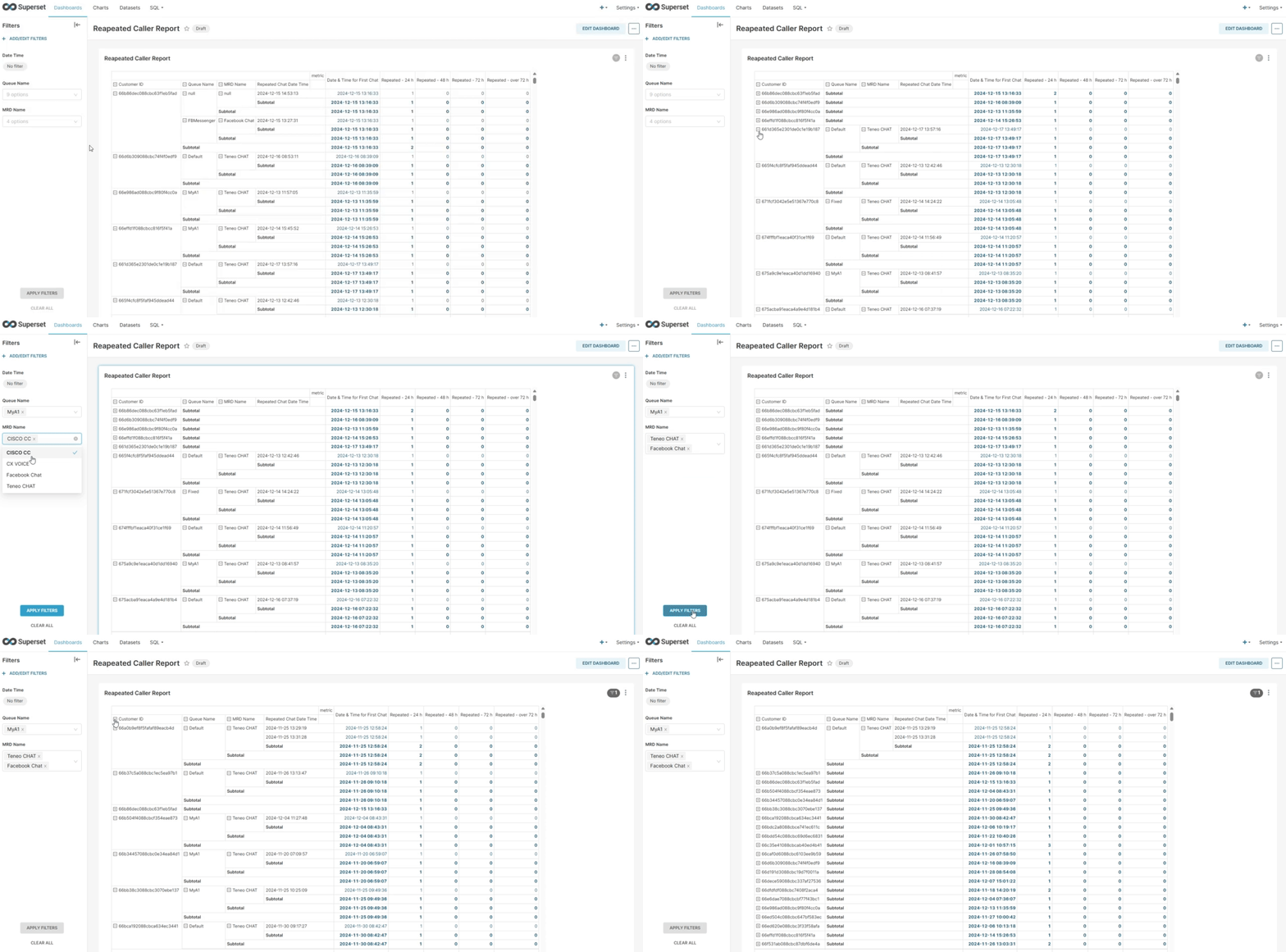
Report Columns
Following are the report columns
|
Fields |
Description |
|---|---|
|
Customer ID |
ID of the customer who initiated the conversation. |
|
Queue Name |
This determines the queue(s) name on which the conversation landed. |
|
MRD Name |
Shows the name of MRD, which is associated with this queue. For instance, CHAT or VOICE MRD |
|
Repeated Chat Date Time |
Date and time when the repeated chat started. |
|
Date & Time for First Chat |
Date and time for the first chat of the customer. |
|
Repeated - 24 h |
Count of chats that are repeated within 24 hours of the first chat. |
|
Repeated - 48 h |
Count of chats repeated within 24 to 48 hours of the first chat. |
|
Repeated - 72 h |
Count of chats repeated within 48 to 72 hours of the first chat. |
|
Repeated - over 72 h |
Count of chats that are repeated after 72 hours of the first chat. |
Report Filters
The following report filters are available
-
Date/Time - Choose the date to filter out the data. You may also select the date ranges to see the data falling under the said period
-
Queue Name - Select the name/names of the queues you want to see the data for.
-
MRD Names - select the name/names of the MRD(s) you want to see the data for.