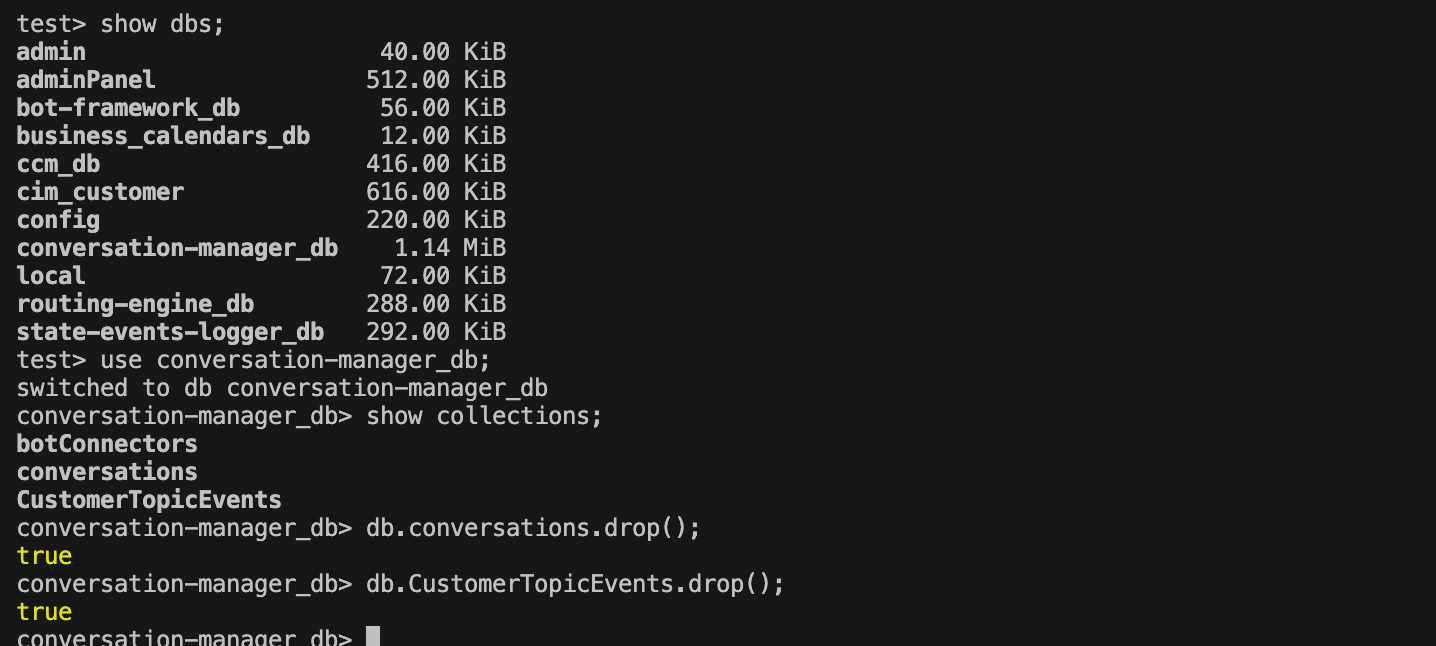
Follow the below mentioned steps to delete the collection(s) from MongoDB . Incase , it is required.
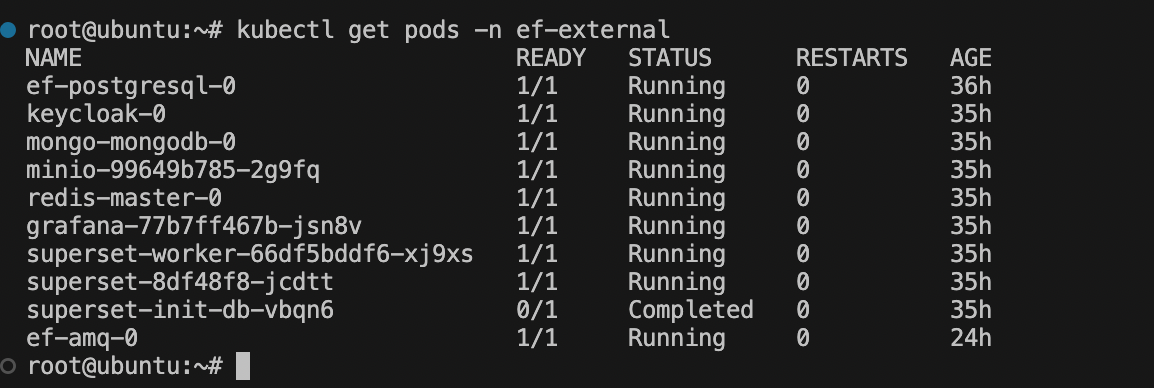
Step 1 : Get pod
kubectl get pods -n ef-external
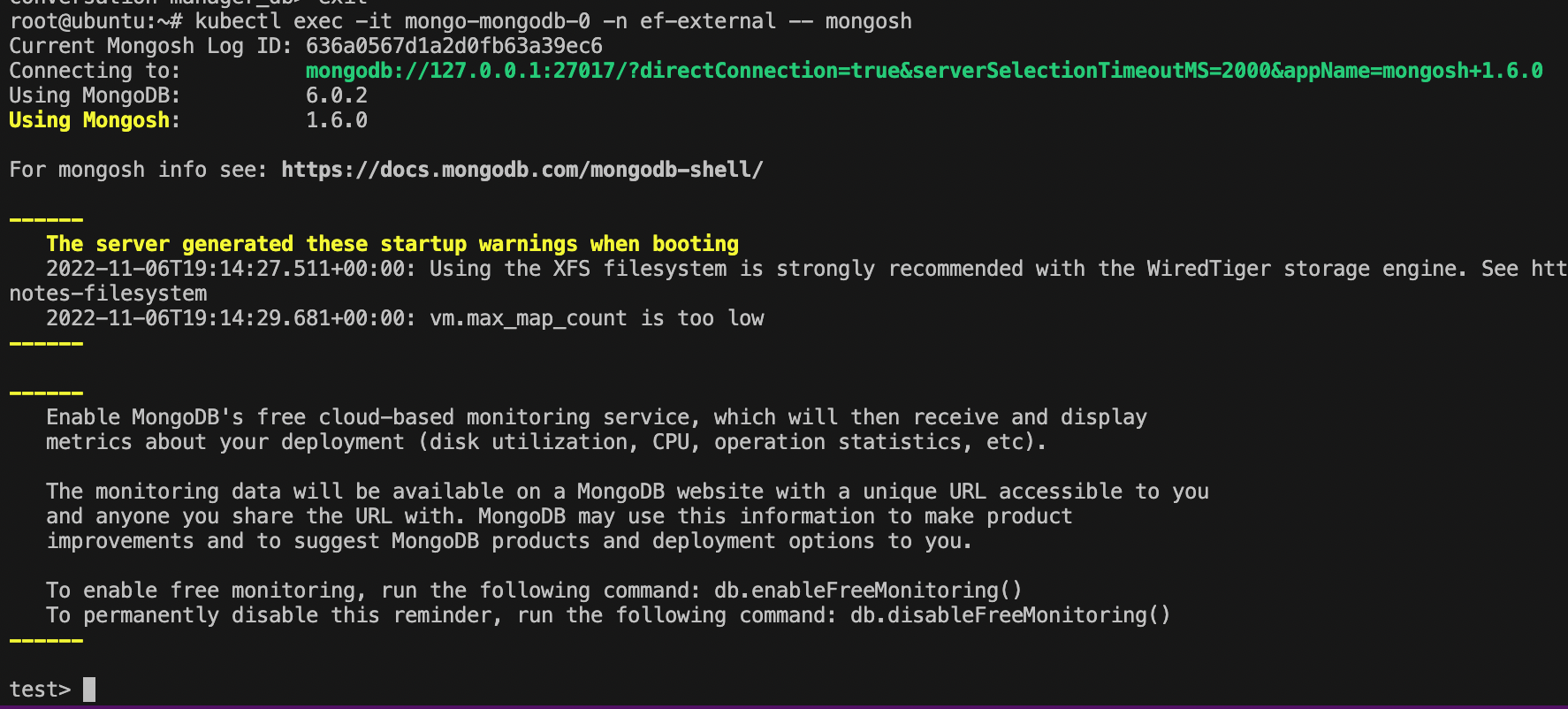
Step 2 : Log-in to mongoDB pod
Command format :
kubectl exec -it <pod-name> -n <namespace> -- mongosh
Example command :
kubectl exec -it mongo-mongodb-0 -n ef-external -- mongosh
Step 3 : Delete collection
i) To list all databases
show dbs;
ii) Use any database on which you want to perform any operation.
use conversation-manager_db;
iii) To list all collections in the selected database.
show collections;
iv) Now you can drop the required collection.
db.CustomerTopicEvents.drop();