
Overview
Facebook Messenger is a supported customer channel as any other channel. Businesses exchange millions and millions of messages with people as one on one conversations. Taking the time to talk to customers and answer their queries privately shows that you value them and care about their needs.
Businesses can also use this to initiate marketing campaigns and push surveys.
See Facebook Connector Limitations for what is not supported in this release.
Getting Started
To begin with Facebook, one must have a Facebook App and must be a registered user to create a personal profile and add others for customer interactions. For this, he should have a Facebook account, which must have been added to the Facebook Page. Also need to grant access to the Facebook App.
The Administrators can create a Facebook Page, grant a user access to the Facebook App and can create a Page Access Token by following step by step procedure of Create Page Access Token
To set up Facebook Channel, the Facebook connector needs to be configured in the Unified Admin of the Expertflow CX's application. This one-time configuration will help the business to interact with both channels of Facebook on a single interface.
Channel Capabilities
Text Message
Expertflow CX's Facebook connector enables the business to send and receive direct text messages to or from customers. For this, Facebook supports a text message to be of UTF-8 and less than 2000 characters.
File Transfer
Allows the business to send and receive media messages containing audio, images, videos and files to/from the customers.
The following media types are supported:
|
Media |
Supported Content Type |
|---|---|
|
audio |
|
|
file |
Any valid MIME-type. |
|
image |
|
|
video |
|
Max File size: 25MB
Audio Message
Enables to send and receive audio messages to/from the customers as shown in the screenshot below. To see the properties of audio message, see CIM Media Messages -> Audio Message Format

File Message
Enables the business to send and receive file messages. The file size and supported types are mentioned here in File Message Format.

Limitation
Multiple file attachments (from messenger) are currently not supported in Facebook Connector - As of now, if a user attaches multiple files (in a single chat), the Facebook connector will picks only one file out of the multiple files that were attached and relay that to CCM while the rest of the other files attachment are ignored. This limitation is not entirely a Facebook connector problem but rather a File Engine & CCM limitation - the API they expose currently do not support multiple file uploads.
Image Message
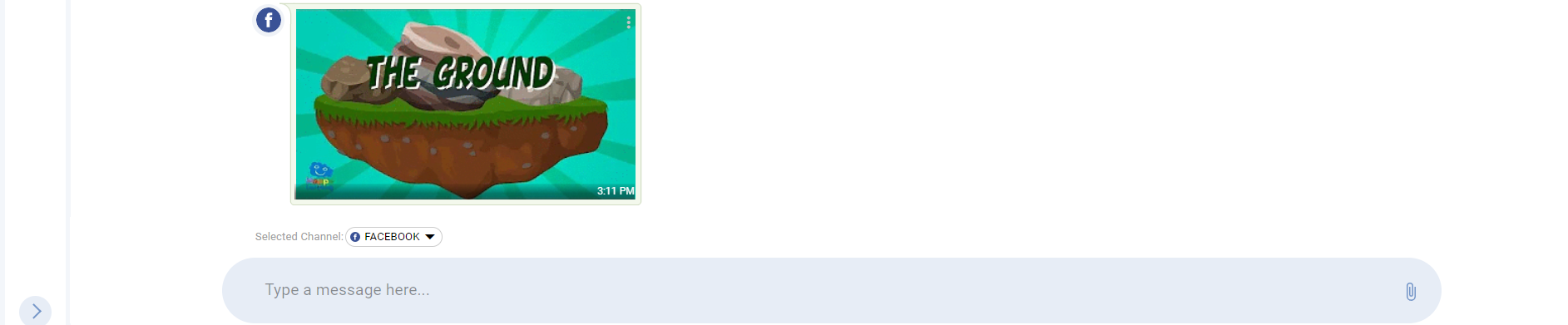
Allows the business to exchange images to/from the customers as shown below. To know the supported type and size, see CIM Media Messages -> Image Message Format
Video Message
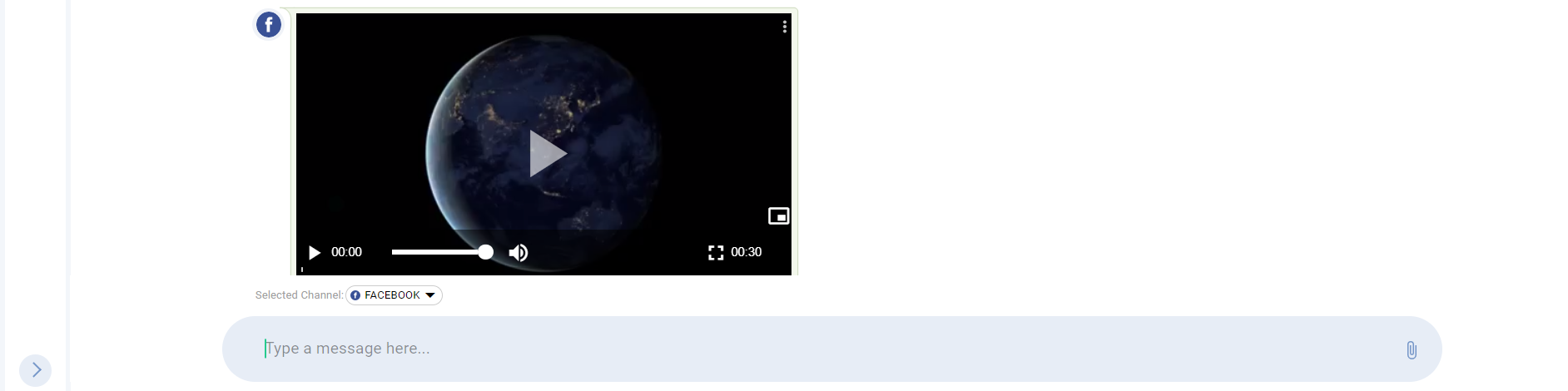
Allows the business to send and receive video message to/from the customer. The video size and types are mention in the table of Video Message Format
Sticker Message
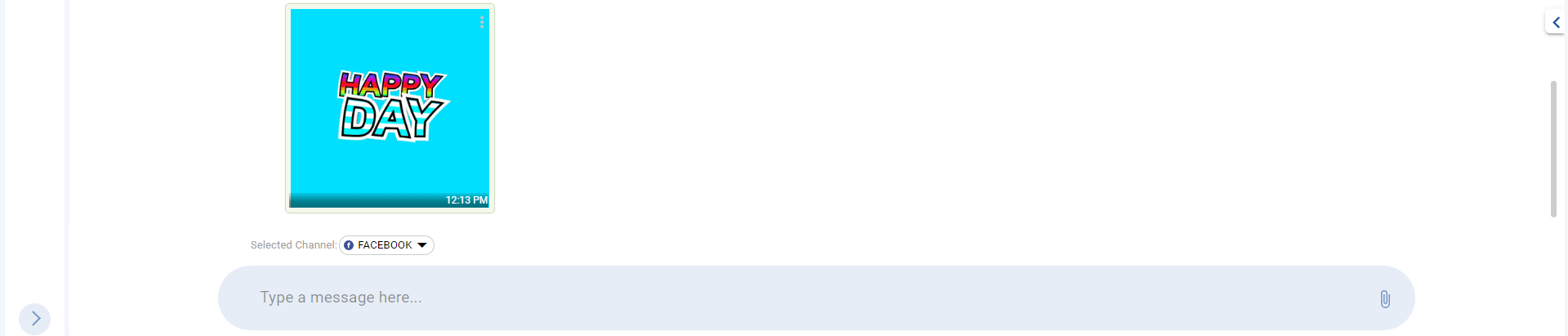
Enables the business to receive sticker message. This visual facilitates the agent to interpret emotions and expressions of the customer quickly and then can respond to it. To know more about the sticker message properties, see CIM Media Messages -> Sticker Message Format
Support Gifs
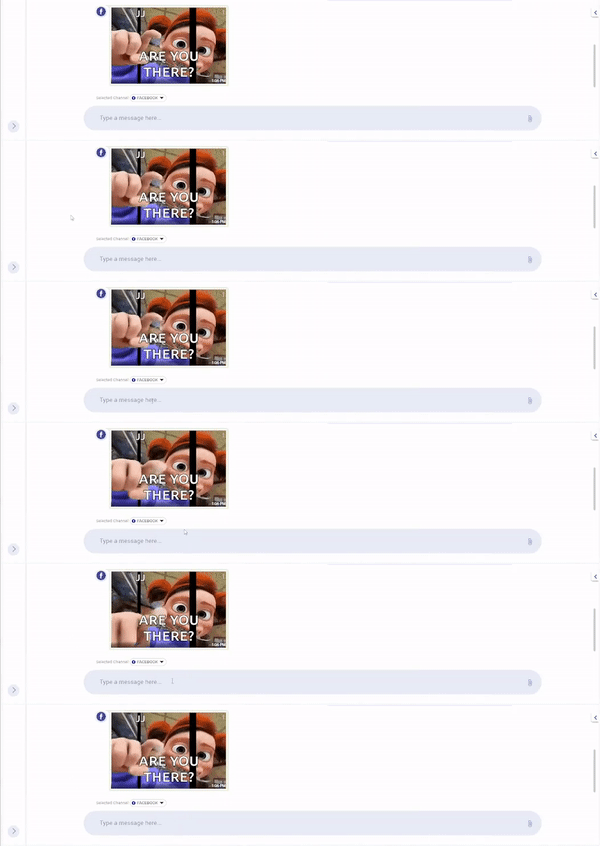
Enables the business to receive Gifs and can respond to it as of any other message.
Send A Quoted Reply
Expertflow CX's Facebook connector enables the business to reply to a specific message of the customer. To reply to a specific message, the contact center representative can quote the specific message by clicking on the reply button as shown below and can respond to that specific message by selecting the channel from the message composer bar. This quoted reply will become a part of the conversation history. For indication purpose, they are visible in a different colour. In the quoted reply, the representative's name will be visible in blue color and the customer's name will be seen in grey color

Send URL
Enables the business to send and receive URL from the customer. This feature converts the plain text into URL format as shown below.
