
From CX-5.1 onwards, the media server connection URL is moved from CX Environment Variables to the tenant settings.
To update the media server connection URL using the CX Tenant Api’s for CX Voice configuration,
-
Navigate to the API link available in the CX Api collection on Postman.
-
Update your FQDN in the api address bar.

-
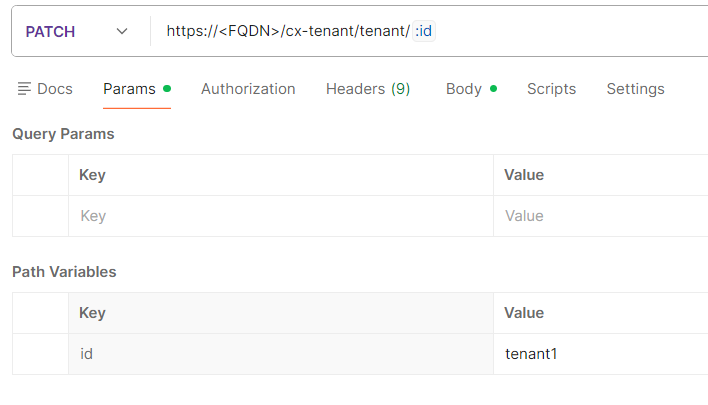
Navigate to the Params tab and update the Id param with your tenantId in the query parameters.
-
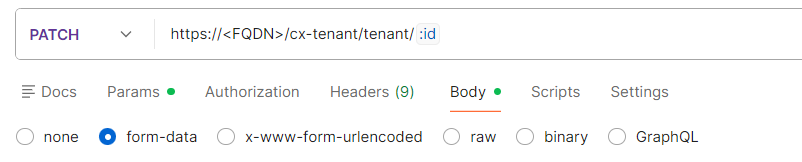
Navigate to the Body tab and select form-data payload type.
-
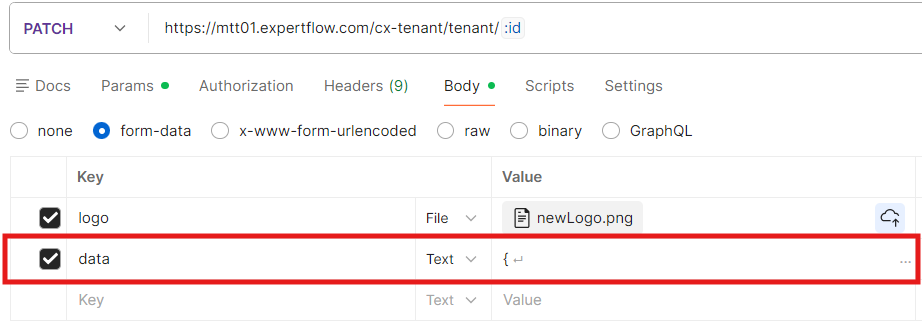
Update the wssUrl parameter value to update the media server URL in the data object of the API payload.
-
For reference, the JSON structure is as follows:
JSON{ "tenantSettings": { "fqdn": "<FQDN>", "mediaServer": { "wssUrl": "wss://<MEDIA SERVER - IP>:7443", "domainManagerUrl": "http://<MEDIA SERVER - IP>/<tenantid>" } } }