Voice Connector
Voice connector upgrade
-
SSH onto the Debian server on which the Voice connector is installed.
-
Use command
ssh <username>@<server-ip> -
Enter user password and press ENTER.
-
Use command
su -
Enter root password and press ENTER.
-
-
Run the command to see the list of running containers
docker ps -
Note the container ID of the current deployed 4.5.2 Voice connector.
-
Note the port of that container i.e. for 0.0.0.0:8116->8080/tcp, :::8116->8080/tcp, the port of the container is 8116.
-
Run the command to stop the container
docker stop <container-ID> -
Run the command to remove the container
docker rm <container-ID> -
Navigate to the folder where the docker-compose.yml and env.txt files are located for the voice connector.
-
Open the docker-compose.yml file and replace the text inside with text below:
version: "3.8" services: voice-connector: image: gitimages.expertflow.com/freeswitch/ecx_generic_connector:4.5.3 container_name: unified-voice-connector ports: - PORT:8080 env_file: - ./env.txt restart: always -
Replace the PORT keyword with the port noted above in step 4.
-
Run the command
docker compose up -d -
Confirm that the docker container is running by using the command
docker ps
-
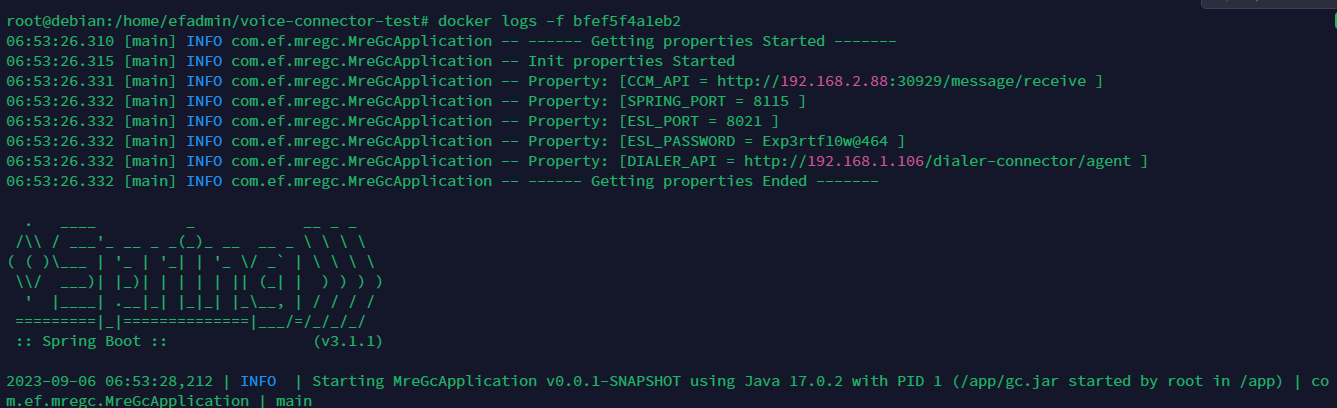
Confirm that the container is running correctly by opening the logs with command
docker logs -f containerID