
This guide will help you set up CX Analyser once you’ve gotten it installed.
Start CX Analyser up for the first time, and you’ll see this screen:
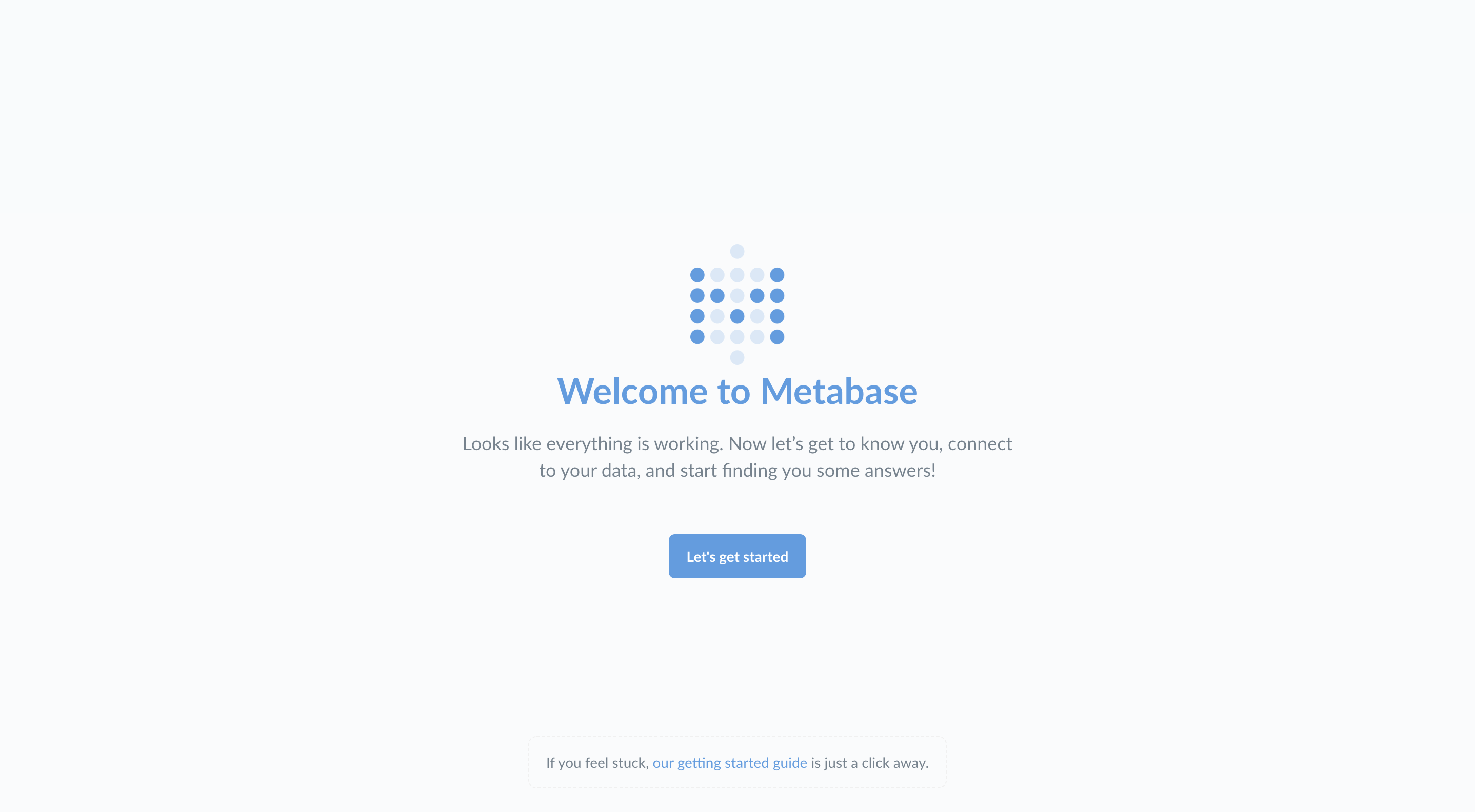
Go ahead and click Let’s get started.
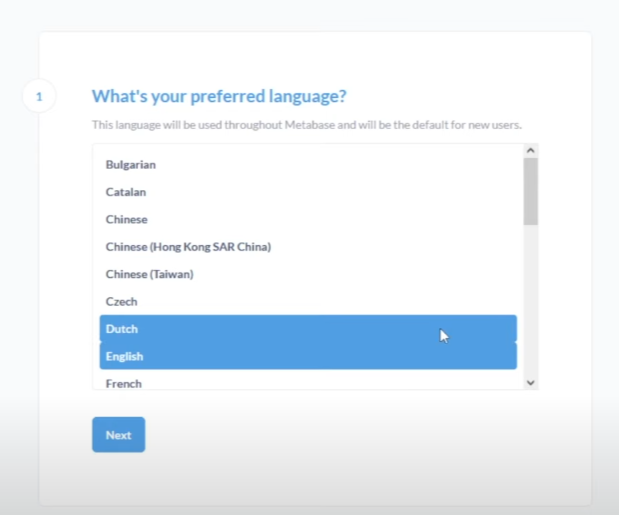
Then select the preferred language and click Next
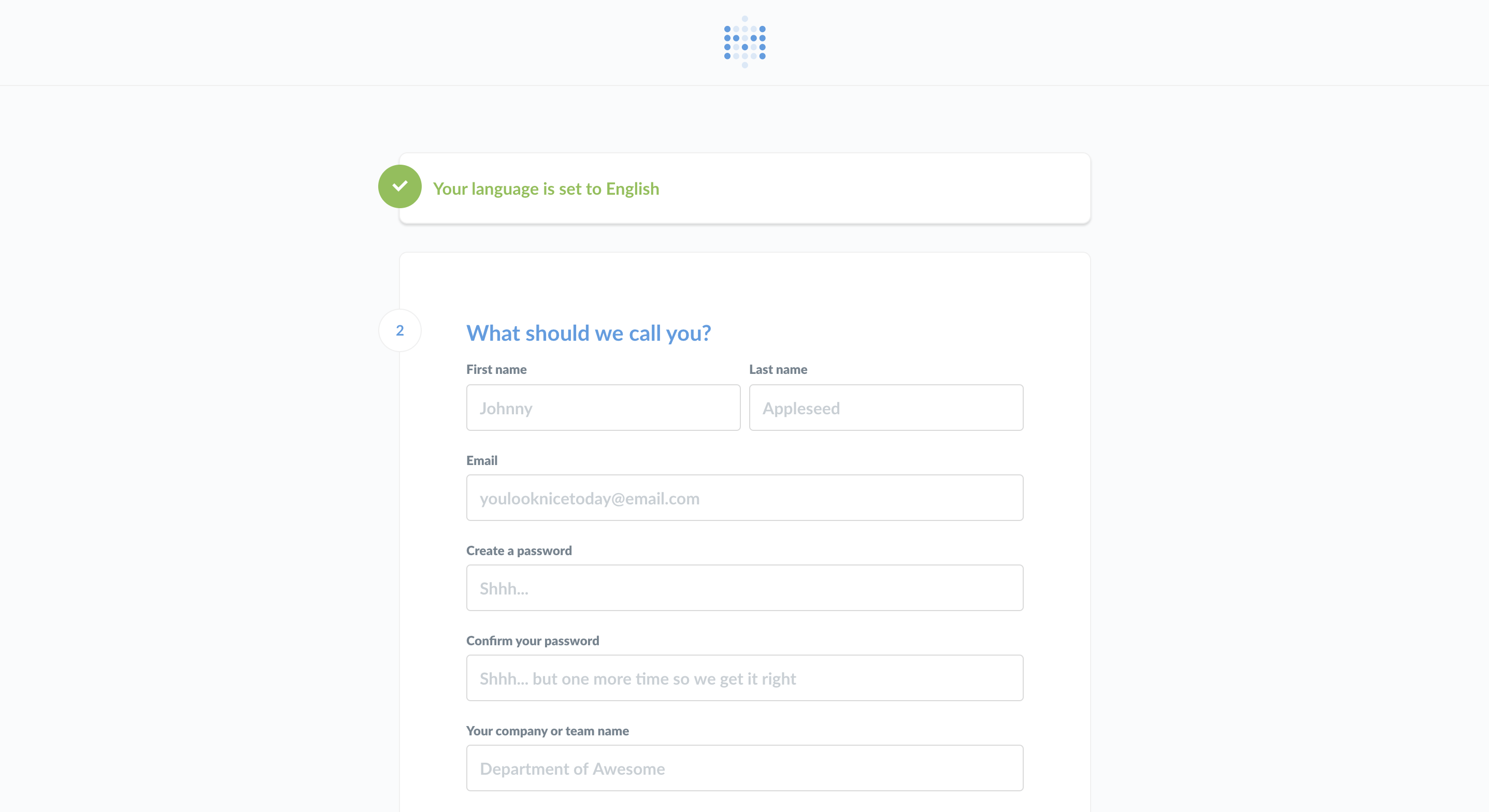
Setting up an admin account
The first thing you’ll need to do is set up an admin account. The account you create when you first install CX Analyser is an admin account by default, handy! If you’ve installed CX Analyser on a production server, you should be really careful to remember the password for this account since it will be used to add other users, connect to databases, set up email, and more. You can also create additional admin accounts later.
For now, let’s just create an account for ourselves to explore CX Analyser. Type in your info, and when you’re ready to continue, click the Next button.
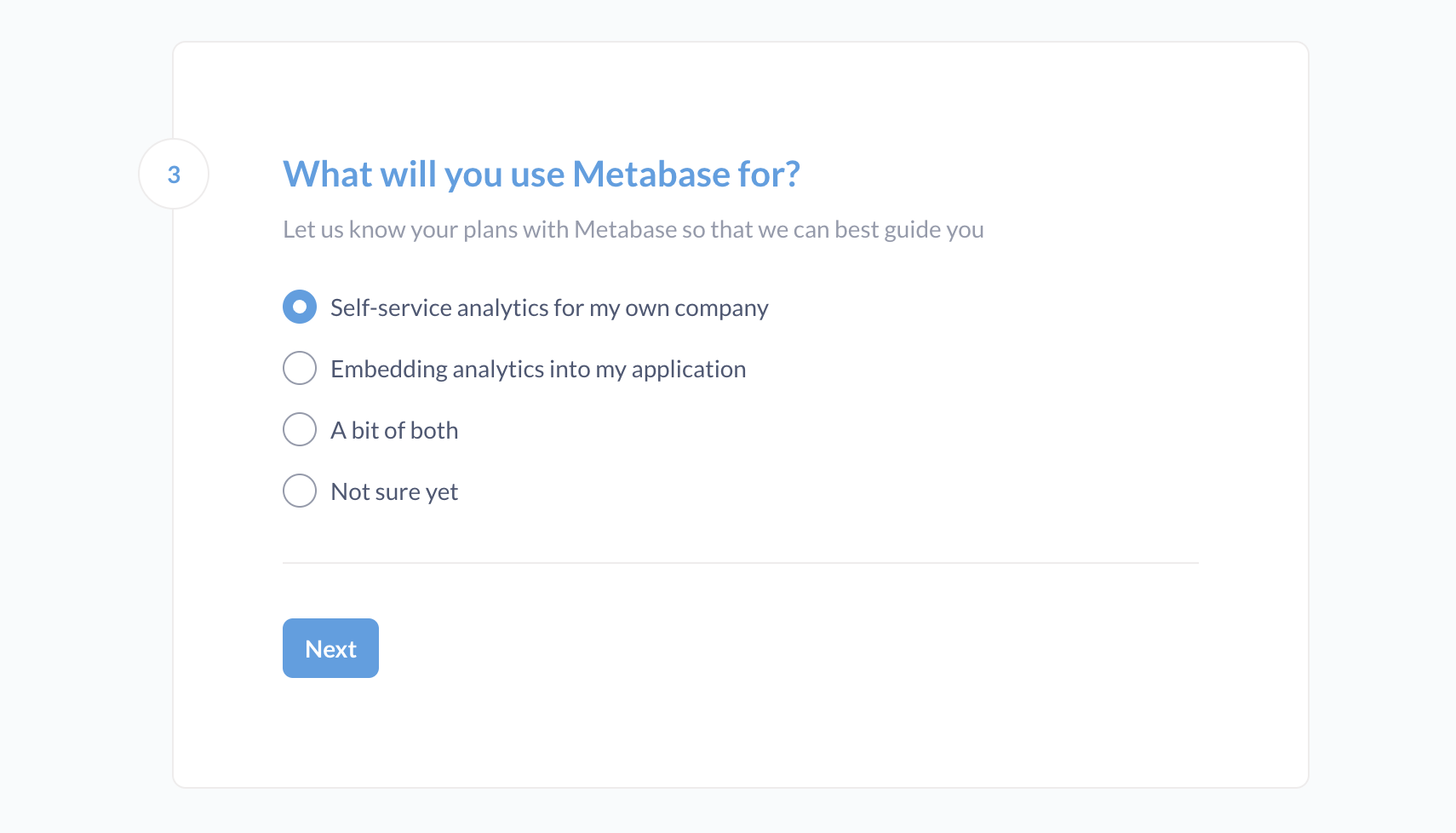
What will you use Metabase for?
Set this to Not sure yet
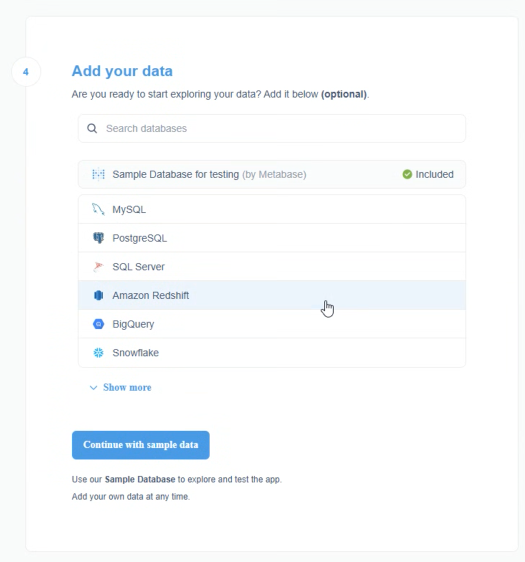
Add your data
Now, click on Continue With sample data.
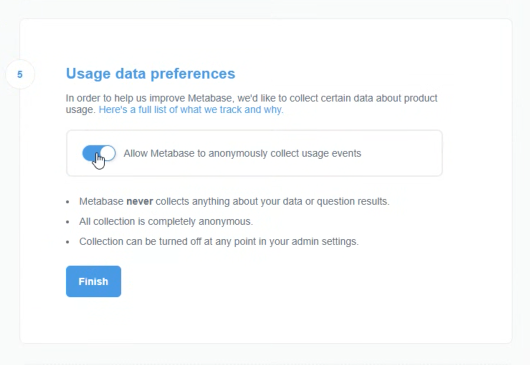
Usage data preferences
Uncheck the Allow Metabase to anonymously collect usage events, then click Finish.
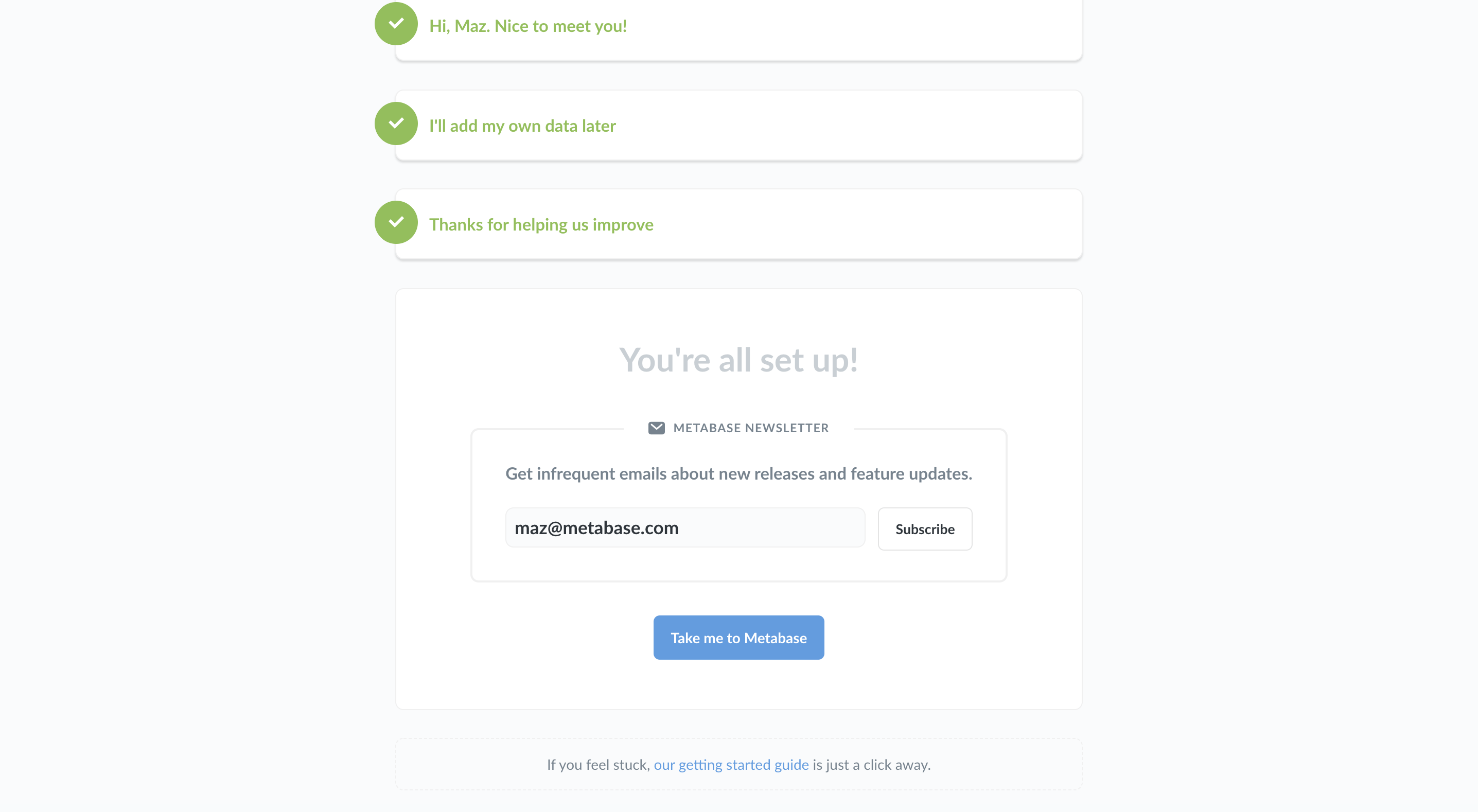
Staying in touch
Without entering any email, click on Take me to Metabase.
To create users and groups
To create users or manage users and groups, click here.
Import Reports
To import reports on CX Analyser, click here.
To reset the admin user password