As an Evaluator, you are responsible for reviewing assigned conversations, completing evaluations using predefined forms, and submitting assessments within deadlines. This guide will help you:
-
Access and manage your assigned reviews in the Reviews tab.
-
Conduct evaluations using conversation data and evaluation forms.
-
Track deadlines and prioritize tasks based on status (Pending/Completed).
-
Stay informed with notifications for new assignments and reminders.
Login
The Login Screen is the entry point for accessing the Quality Management solution.
Login Screen
The login screen provides a secure interface for users to access the system by entering their credentials. It includes fields for username and password, a "Remember Me" checkbox for saving login details, and a login button to authenticate and grant access.
.png?cb=851dd8d4b93bd43811a9498e9e4e0866)
Reviews
The Reviews tab is the primary workspace for evaluators.
Review List View
-
Displays assigned reviews with:
-
Status: Pending/Completed.
-
Due Date: Deadline for review completion.
-
Created At: Timestamp of assignment.
-
Questionnaire used.
-
Submitted
-
Review score
-
.png?cb=9c886938cffefb39caf2be8868bcfe20)
Starting a Review
-
Steps to start a review:
-
Click the Start Review icon.
-
The Conversation View opens.
-
Fill out the Review Form alongside the conversation data.
-
Submit the completed form.
-
.png?cb=7f0903a3f199d79f377a4dfb30105dab)
Notifications
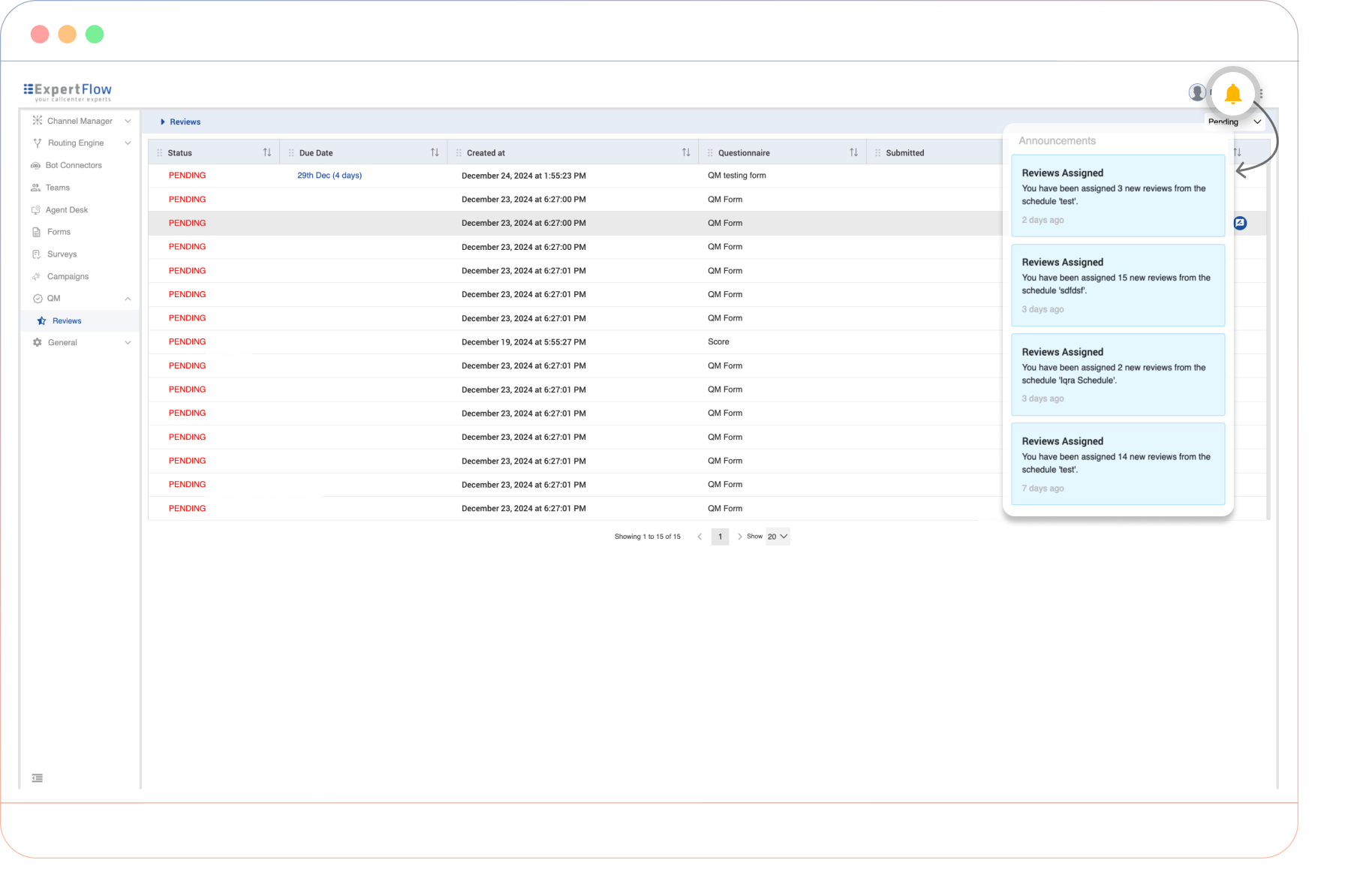
Notifications alert evaluators about new reviews and deadlines.
-
New Assignments: Displays recently assigned reviews.
-
Reminders: Alerts for approaching deadlines.